
If you’ve spent any time scrolling through social media lately—especially maker pages, Etsy shops, or small-business feeds—you’ve likely seen jaw-dropping customized products: engraved tumblers, photo-engraved wooden plaques, crisp acrylic signage, even custom leather wallets and industrial metal tags.
Behind many of these creations sits one extraordinary tool: the laser engraver.
Whether you’re a hobbyist looking to elevate your craft, a small business owner wanting to expand your product line, or a professional manufacturer who needs precision and efficiency, a laser engraver can unlock limitless creative and commercial opportunities.
Let’s explore what laser engraving really is, what materials you can work with, the types of machines available, and how to choose the best one for your needs.
I. What is Laser Engraving?
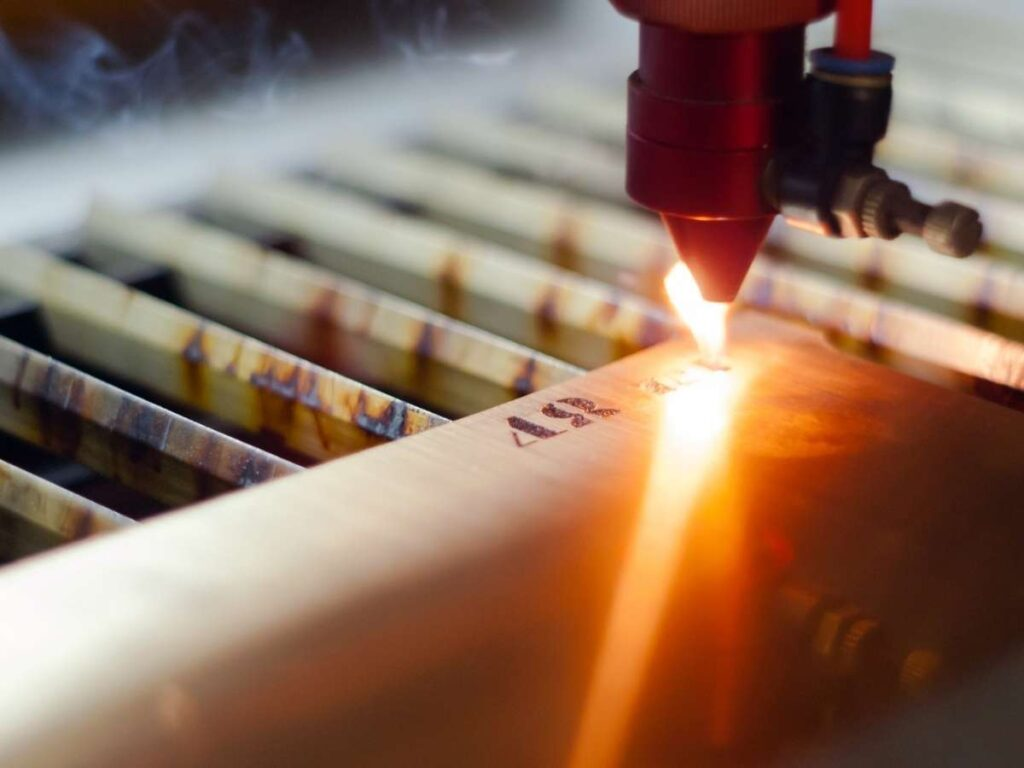
Laser engraving is a process that uses a concentrated laser beam to vaporize (burn or melt away) the surface material, creating a permanent, high-contrast mark or design. Unlike traditional methods like carving or printing, laser engraving does not touch the material. This makes it faster, cleaner, and often more precise.
1. How Laser Engraving Works
The laser engraver tool lies in the laser and laser beam. The laser will generate a laser beam, and the optical mechanism will transmit such a laser beam and make it focus on the surface of the material. The material is quickly vaporized to form pits, with the action of the high-energy-density laser beam.
- The laser engraver uses a computer to control the X, Y, and Z axes to drive the laser head to move, and control the laser to switch as required. The image information processed by the software is designed previously and stored on the computer.
- When the laser engraver reads design information from the computer in sequence, the laser head moves back and forth from left to right and up to down along the design route. And finally, it forms a full piece of graphics or text, realizing the automation of carving.
- The laser processing technology belongs to non-contact processing. The tool of mechanical engraver carves through direct contact with the material. But it does not change the internal elements of the material. It relies on the high density of laser energy and has strong laser engraving operation performance.
2. Key Characteristics of Laser Engraving
- Non-Contact Process: The laser beam interacts with the material without any physical contact from a tool, which minimizes material stress and wear on the machine.
- High Detail and Precision: Because the laser beam is very fine, it can create extremely intricate details, small text (as small as 1mm), and high-resolution images (photo-engraving).
- Speed: Laser engraving is generally very fast for creating surface designs and markings compared to mechanical methods like CNC engraving.
- Depth: It is primarily a surface-level process, with typical depths ranging from a very shallow mark (etching) to a few thousandths of an inch (engraving).
- Material Compatibility: It works on a wide variety of materials, including wood, acrylic, leather, glass, fabric, and some metals (especially with a fiber laser).
II. Laser Engraving vs. CNC Engraving
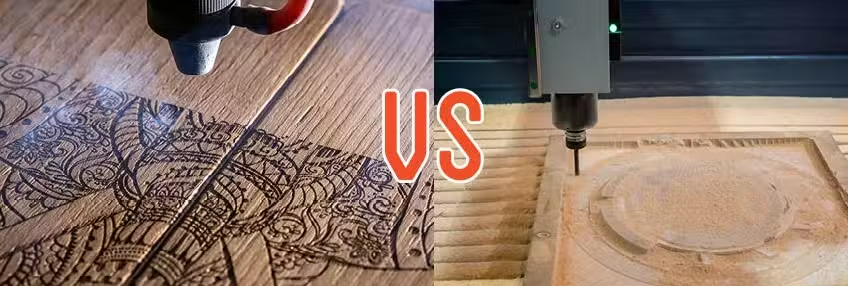
Although both CNC routers and lasers can “engrave”, they work very differently.
| Feature | Laser Engraving | CNC Engraving (Router) |
| Method | Non-contact: Focused heat/light vaporizes material. | Mechanical: A spinning tool bit physically carves material. |
| Detail/Precision | Exceptional for fine lines, photos, and intricate graphics (limited only by the laser spot size). | Good for dimensional cuts, but detail is limited by the physical size of the cutting bit. |
| Depth | Shallow to moderate depth (surface marking). | Deep and dimensional cuts; excellent for 3D relief carving and functional pockets. |
| Speed | Faster for surface marking and fine details. | Slower for fine detail work, but faster for deep cuts into thick material. |
| Edge Finish (Wood) | Smooth, but typically darkened/burned edges (charring). | Clean, machined edges, but may require light sanding (tear-out possible). |
| Best For | Personalization, detailed artwork, logos, serialization, thin materials. | 3D carving, functional parts, deep signs, thick/hard materials (e.g., hardwood, metal). |
In short: Use lasers for crisp surface detail and speed. Use CNC for depth and material removal.
Many workshops own both—because together they cover nearly every fabrication need.
III. What Materials Can You Process?
This is where the right machine makes all the difference! The type of laser determines what you can engrave or cut.
1. The A-List of Materials (What They CAN Do)
| Laser Type | Best For | Typical Materials |
| CO2 Laser | Non-Metals | Wood (plywood, MDF, bamboo), Acrylic, Leather, Fabric, Paper/Cardboard, Rubber, Stone, Ceramics. |
| Fiber Laser | All Metals | Stainless Steel, Aluminum (including anodized), Brass, Copper, Titanium, Coated Metals, and certain hard plastics. |
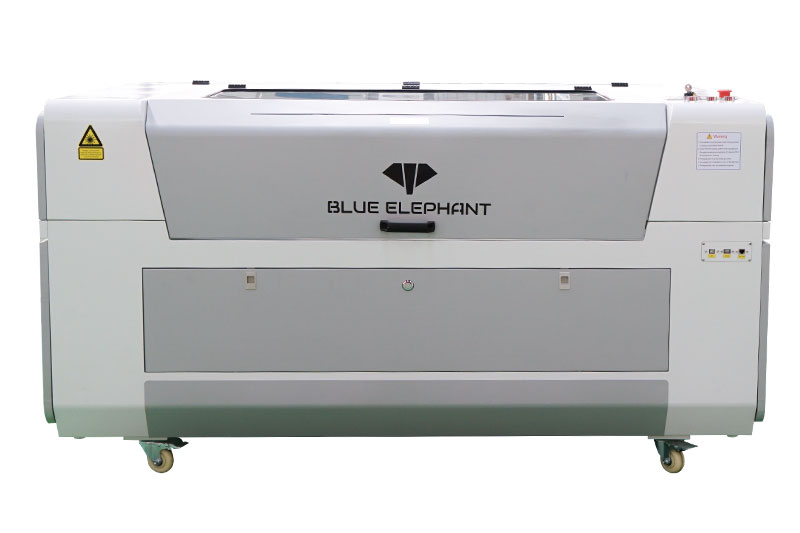
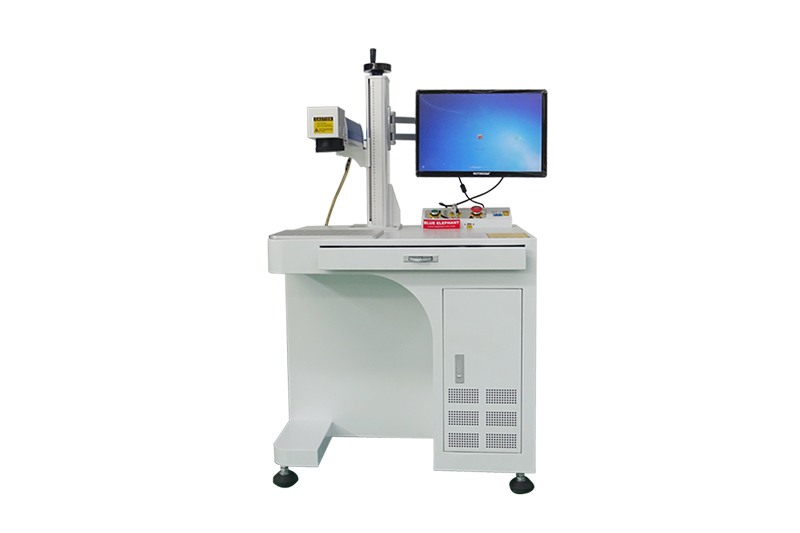
The Blue Elephant range includes both powerful CO2 laser engravers and high-speed fiber laser marking machines, so you can choose the right tool for your material. Need to cut and engrave wood and cut thin metal? We even have mixed laser machines that handle both!

2. Materials to Avoid
Although laser engraving machines can engrave many metal and non-metal materials, there are still some special materials that are best left unprocessed.
| Material | Reason | Risk Type |
| PVC (Polyvinyl Chloride) | Releases chlorine gas and corrosive fumes when burned | Toxic gas, machine corrosion |
| ABS Plastic | Melts, smokes, and produces sticky residue and toxic fumes | Toxic fumes, fire hazard, poor results |
| Polycarbonate (PC) (thick sheets) | Burns, bubbles, turns yellow, releases fumes | Poor quality marks, toxic smoke |
| Polyurethane Foam / Sponge | Easily ignites and releases toxic gases | Fire risk, toxic fumes |
| Chlorinated Rubber / Viton / Chlorinated Polymers | Produce chlorine gas and acidic smoke | Toxic fumes, machine corrosion |
| Zinc-coated / Galvanized Metal (CO₂ lasers) | Coating vaporizes forming toxic fumes; reflective metal can damage optics | Toxic fumes, laser tube damage |
| Glass (deep cutting) | Thermally cracks; cannot cut, only surface engrave | Cracking, poor finish |
| Low-quality plywood (high formaldehyde glue) | Glue burns unevenly, produces hazardous smoke, charred edges | Toxic fumes, poor cutting quality |
3. Safety Tips
Laser engraving is fun and creative, but safety matters. Some materials can release harmful fumes or damage your machine. Keep these simple safety tips in mind to protect yourself and get the best results.
- Confirm material composition before engraving
- Avoid unknown plastics (test-burn safely or contact supplier)
- Use proper fume extraction and filters
- Run a small-piece test when uncertain
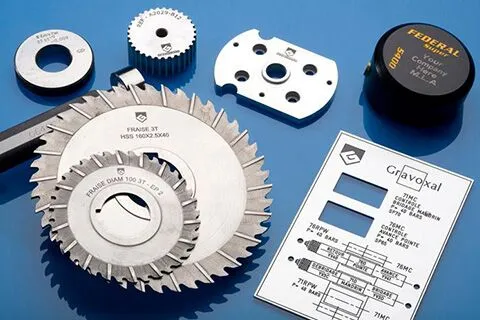
IV. What Can a Laser Engraver Actually Create?
Think of a laser engraver as the ultimate customization tool. It uses a super-focused beam of light to etch, mark, or cut designs into materials with mind-blowing precision.
Major Applications You’ll Love:
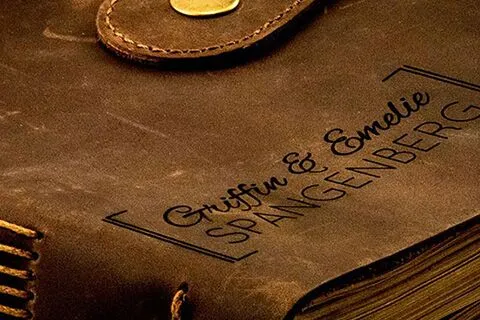
- Personalized Gifts: Engrave names, dates, or messages on tumblers, cutting boards, leather wallets, and jewelry.
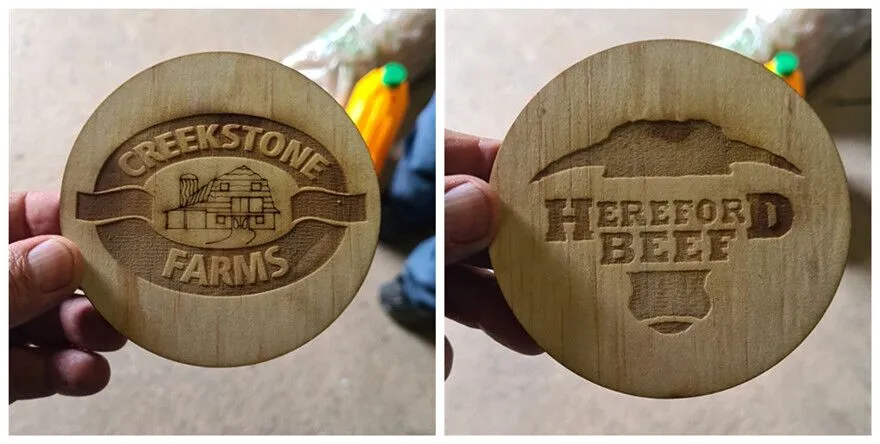
- Custom Signage & Decor: Create professional acrylic signs for businesses, detailed wooden plaques for homes, or metal tags for industrial parts.
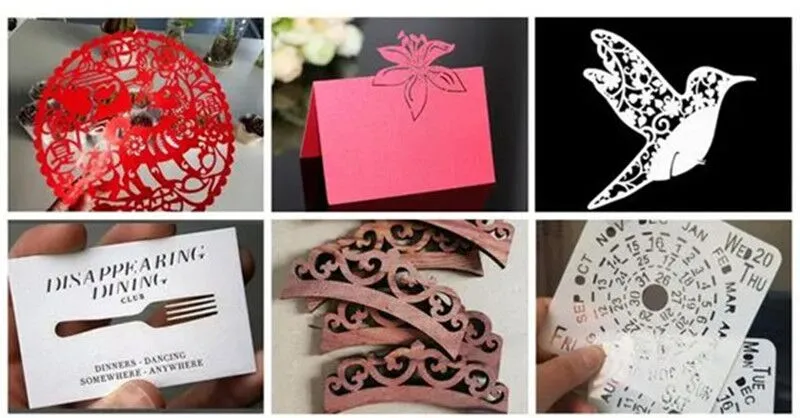
- Arts and Crafts: Cut intricate patterns into wood, paper, or fabric for stunning models, jewelry, stencils, or quilt pieces.
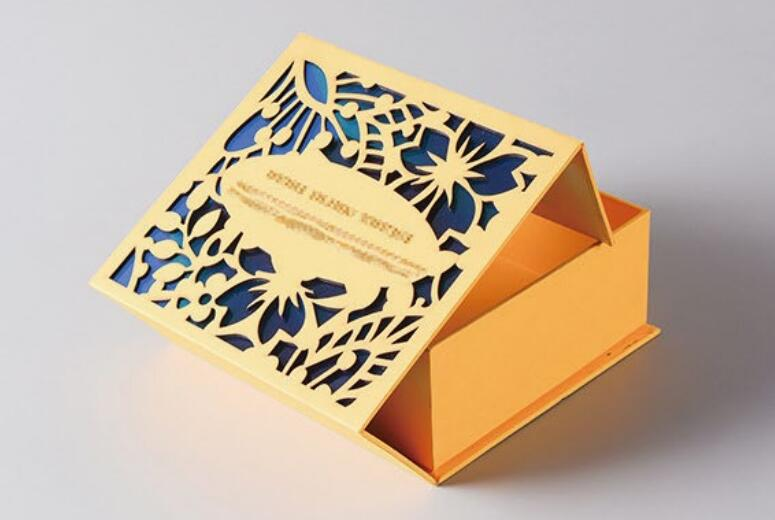
- Small Business Production: Make branded merchandise, custom packaging, product identification (like serial numbers and logos), and more.
- Automotive/Industrial: Mark permanent part numbers, 2D codes, and branding onto metal components for traceability and quality control.
V. Which Laser Engraver Is Right For You?
Choosing the right machine depends on your budget, your materials, and your production goals.
1. The Hobbyist & Crafter (Diode Laser)
Who you are: Starting out, budget-conscious, focused on smaller wood/plastic projects.
What you get: The most affordable, simplest to operate. Good for light engraving and thin cutting.
Limitations: Lower power, slower speed, and generally limited to softer materials.
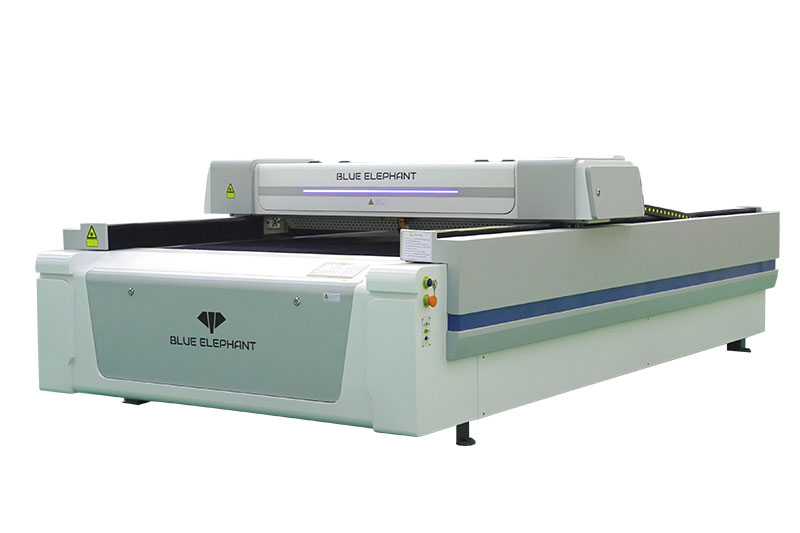
2. The Maker & Small Business Owner (CO2 Laser)
Who you are: Making money from custom products, needing speed and power for non-metals like wood, acrylic, and leather.
What you get: Versatility is key! Excellent for both detailed engraving and deep cutting. CO2 lasers are the workhorses of the custom goods industry.
Blue Elephant Advantage: Our CO2 models offer larger work areas and features like adjustable Z-axes to handle thicker materials, perfect for that professional quality.
3. The Industrial & Metal Marking Pro (Fiber Laser)
Who you are: Engraving metal parts, jewelry, tools, or high-volume serialization.
What you get: Unmatched precision and speed on metal. Fiber lasers create permanent, deep marks that stand up to harsh industrial environments.
VI. Laser Engraving Problems and Solutions
Even experienced users encounter challenges. Here are some common issues and tips to fix them:
| Problem | Possible Causes | Solutions |
|---|---|---|
| Engraving Looks Fuzzy / Blurry | Laser out of focus Low power Dirty lens/mirrors |
Adjust focus height Increase power / adjust speed Clean lenses and mirrors regularly |
| Burn Marks or Scorching on Wood | Power too high Speed too slow Poor air assist |
Lower power / increase speed Use masking tape Enable air assist |
| Uneven Engraving Depth | Material surface not flat Incorrect focus Unstable laser power |
Secure material firmly Re-calibrate focus Check power supply & firmware |
| Melted Edges on Acrylic | Too slow Power too high |
Increase speed, reduce power- Use cast acrylic instead of extruded |
| Smoke Staining on Surfaces | Insufficient ventilation No masking materials |
Improve exhaust system Use masking tape or protective film |
| Laser Does Not Cut Through Material | Power too low Wrong focus distance Incorrect material type |
Increase power / reduce speed Adjust focus Confirm material is laser-safe |
| Engraved Image Misaligned / Shifted | Loose belts / rails Incorrect file origin |
Tighten belts and check mechanics Reset origin, re-export file |
| Excessive Smoke or Odor | Poor exhaust / filtration Material not suitable |
Improve ventilation / filters Use laser-safe materials only |
VII. Maintenance of Laser Engraver
Proper care keeps your machine running smoothly for years.
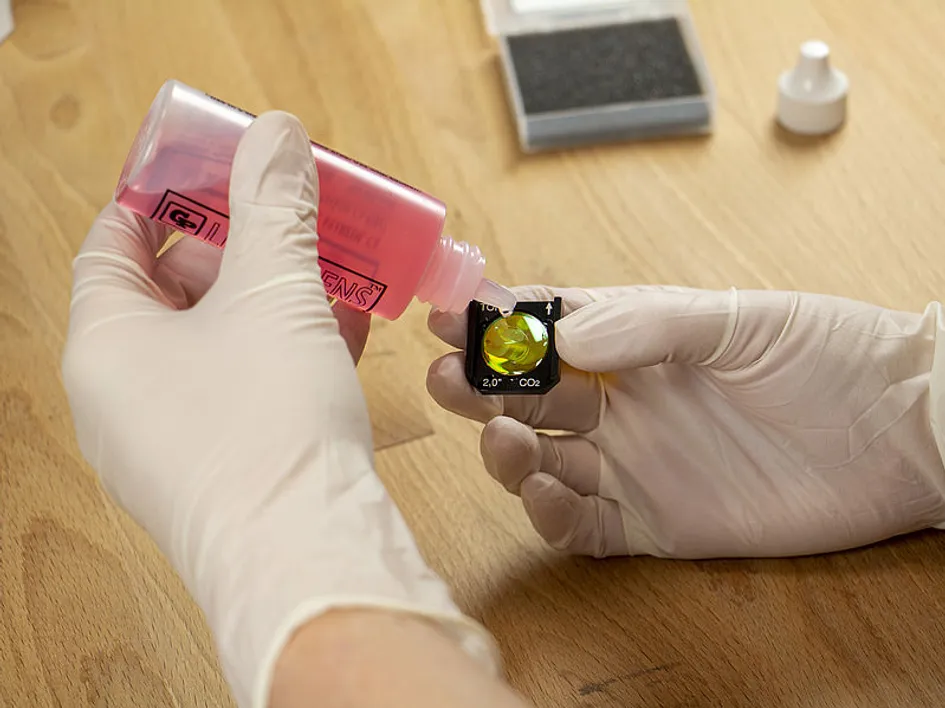
1. Cleaning
Wipe mirrors and lenses gently with recommended solutions. Remove debris from the work area.
2. Lubrication
For machines with moving parts, apply light lubricant to rails and bearings to prevent wear.
3. Software and Firmware
Keep your machine firmware updated to maintain compatibility and efficiency.
VIII. Blue Elephant: The Smart Choice
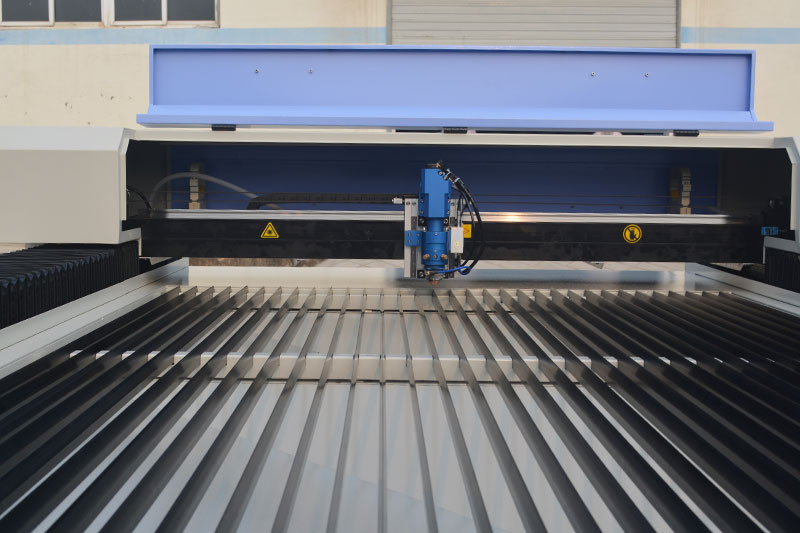
At Blue Elephant, we know that buying a laser machine is a big decision. That’s why our equipment is designed for high precision, robust construction, and ease of use. We offer everything from compact CO2 engravers for the workshop to powerful, large-format fiber laser cutters for industrial applications. Our wide range of models and processing capabilities ensures that you don’t have to compromise on your creative or business needs.
Superior Machine Engineering
- Thick-wall welded steel frames for stability
- Precision optical systems
- Long-life industrial-grade components
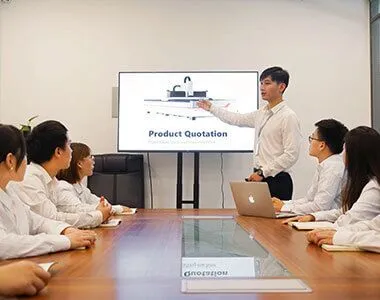
Professional Service & Training
- Expert technical support
- Operator training available
- Global after-sales service
Ⅸ. Ready to Start or Scale Your Business?
A laser engraver doesn’t just create designs—it creates opportunity.
With the right machine, you can:
- Sell premium customized products
- Boost your branding capability
- Streamline industrial traceability
- Turn your creativity into a profitable business
Whether you’re customizing single products or running high-throughput production, Blue Elephant has a machine built for your success.
- 👉 Explore our full lineup of CO2, Fiber, and hybrid laser systems
- 👉 Tell us your project goals—our experts will recommend the perfect model
- 👉 Start creating. Start earning. Start growing.
Your vision deserves the right machine. Blue Elephant delivers it.
You might also want to know:
7 Best Laser Engraver for Beginners