
So, you own a CNC router. Maybe it’s a new machine. Maybe you are ready for bigger projects. A CNC machine is a powerful tool. But it is just hardware. You need the right software to run it.
Choosing the right software is vital. It affects your machine’s performance. It determines the quality of your finished product. This guide is for you. We will break down the software options. We will cover all you need to know. Get ready to unlock your CNC router’s full potential.
I. Why CNC Software is Your Most Important Investment
CNC hardware is expensive. But the software is the real engine. Software determines your limits. It controls the final result.
1. Software Prevents Costly Mistakes
Bad software can cause crashes. It can lead to broken bits. It can destroy expensive materials. Good CAM software creates safe toolpaths. It simulates the cut beforehand. This simulation saves you time and money.
2. Software Dictates Efficiency
Efficient software saves hours. A great CAM program optimizes tool movement. It minimizes air-cutting time. Professional software allows faster feed rates. This boosts your production output. Time is money in any shop.
3. Software Defines Quality
Precision starts in the design phase. High-end CAD/CAM ensures accuracy. It maintains tight tolerances. If the software is imprecise, the cut will be too. Software quality directly translates to product quality.
II. Understanding the CNC Software Workflow
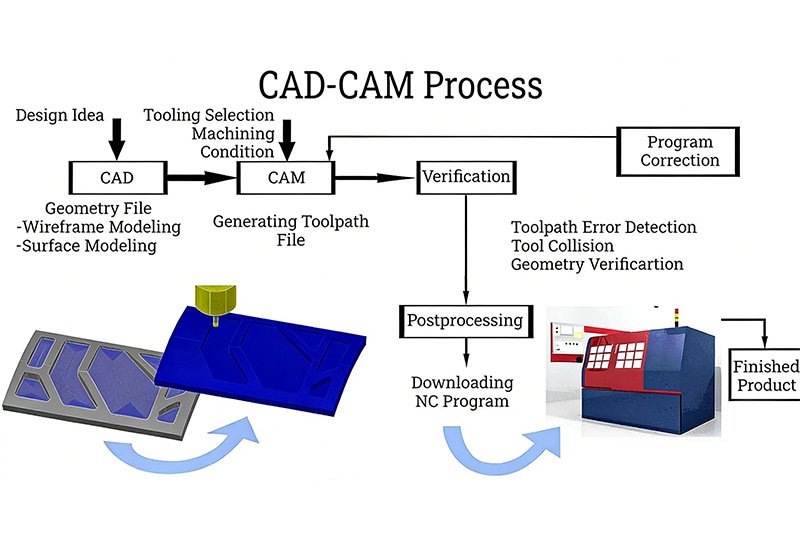
CNC work uses a three-step process. Each step needs specific software. This is the basic workflow.
1. Step 1: Computer-Aided Design (CAD)
CAD is where your project begins. This software creates the digital blueprint. You draw your 2D or 3D model here. Think of it as your virtual workshop.
2. Step 2: Computer-Aided Manufacturing (CAM)
CAM is the “brain” software. It takes your CAD design. It turns the design into machine instructions. These instructions are called G-Code. G-Code tells the router how to move. It sets the speed, depth, and path.
3. Step 3: CNC Control (Machine Control)
This software runs the machine. It sends the G-Code to the CNC router. It monitors the cutting process. You use it to start, pause, or stop the job. This is the final step before cutting.
III. CAD Software: Designing Your Masterpiece
CAD software is about creativity and precision. You need a program that fits your project type.
1. 2D Design & Vectors (Vectric, Adobe Illustrator)
These are great for flat projects. Think signs, outlines, and simple carvings.
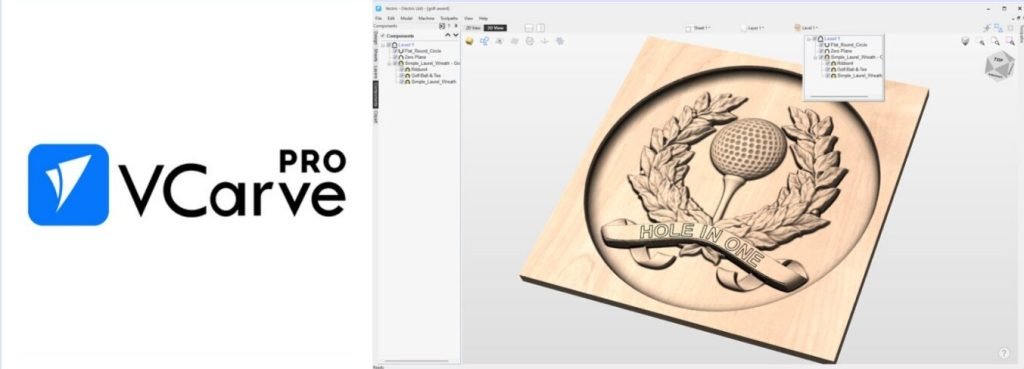
- Vectric VCarve Pro: This is a top choice for CNC users. It is powerful and very easy to learn. It handles both 2D and 2.5D carving well. Many people start with VCarve.
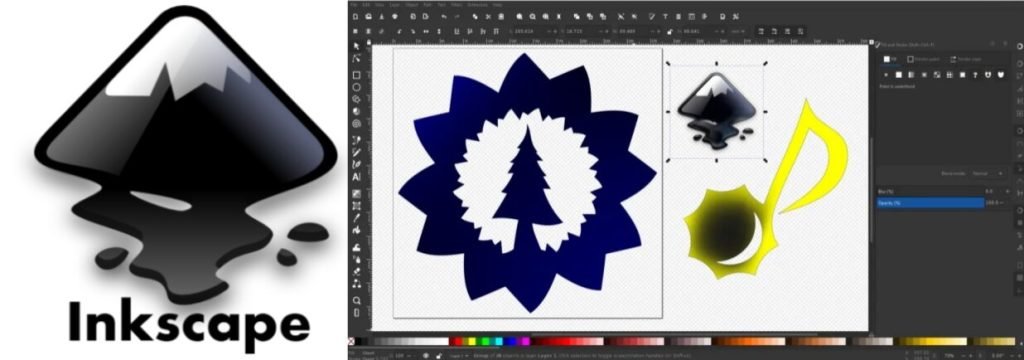
- Adobe Illustrator / Inkscape: Use these for logos and graphics. They create perfect vector files. These files are then imported into CAM software. Inkscape is a free, open-source option.
2. 3D Modeling & Sculpting (Fusion 360, SketchUp)
These are necessary for complex shapes. Use them for furniture, detailed reliefs, or statues.
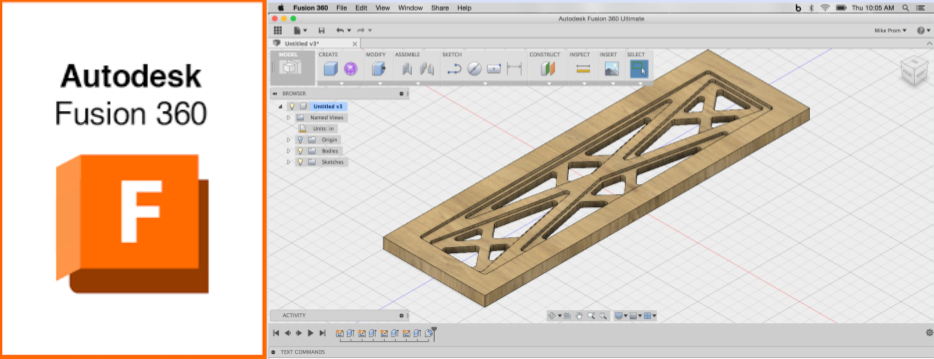
- Autodesk Fusion 360: This is an industry favorite. It is very powerful and widely used. It combines CAD and CAM features. Hobbyists often get a free version.
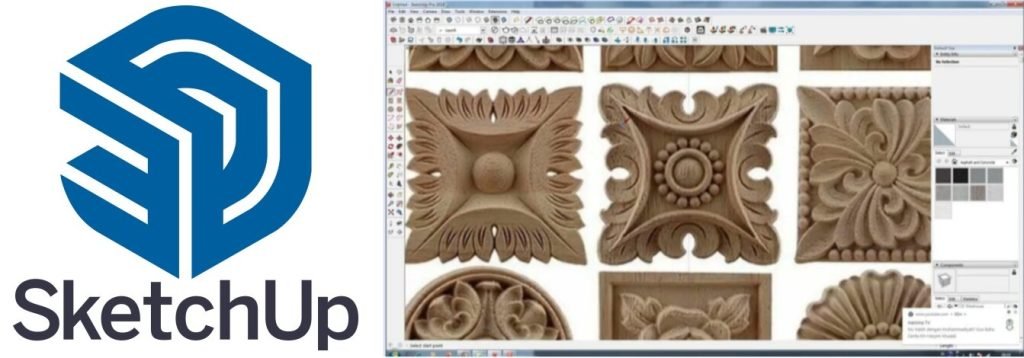
- Trimble SketchUp: This is easy to start with. It works well with many CAM programs.
IV. CAM Software: Generating the G-Code
CAM is perhaps the most critical step. It dictates the actual toolpaths. Good CAM software optimizes cutting time. It also prevents machine crashes.
1. Integrated CAD/CAM Solutions
These programs handle everything. You design and generate G-Code in one place. This saves time and minimizes errors.
- Autodesk Fusion 360: Excellent for complex 3D projects. The CAM side is professional grade. It has advanced toolpath strategies.
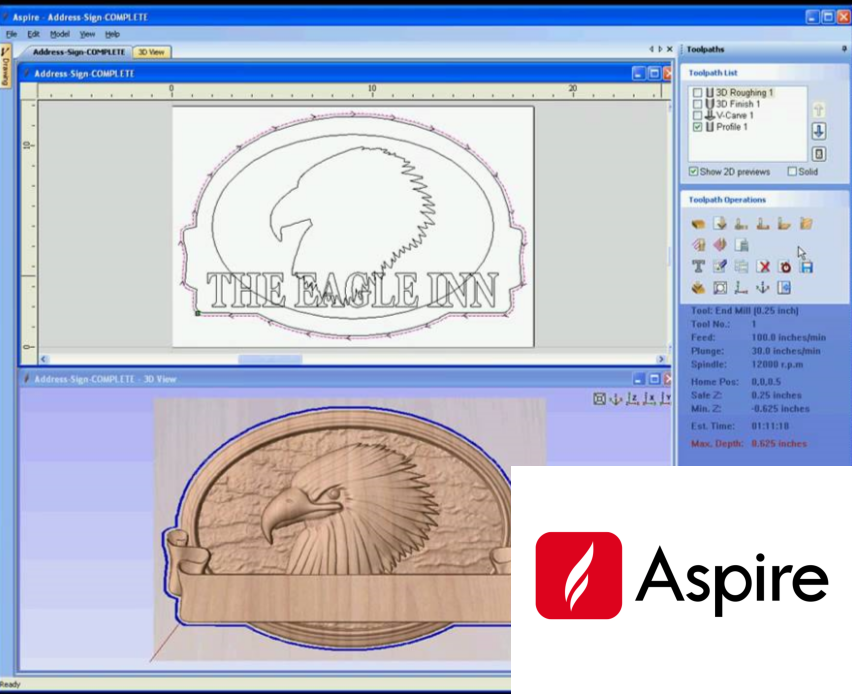
- Vectric Aspire: This is Vectric’s full version. It adds 3D modeling and sculpting tools. It is known for high-quality 3D relief carving.
2. Standalone CAM Programs
You use these if your CAD is a separate program. They are specialists in toolpath generation.
- MeshCAM: This is a user-friendly option. It is great for converting 3D models into G-Code. It simplifies the toolpath process.
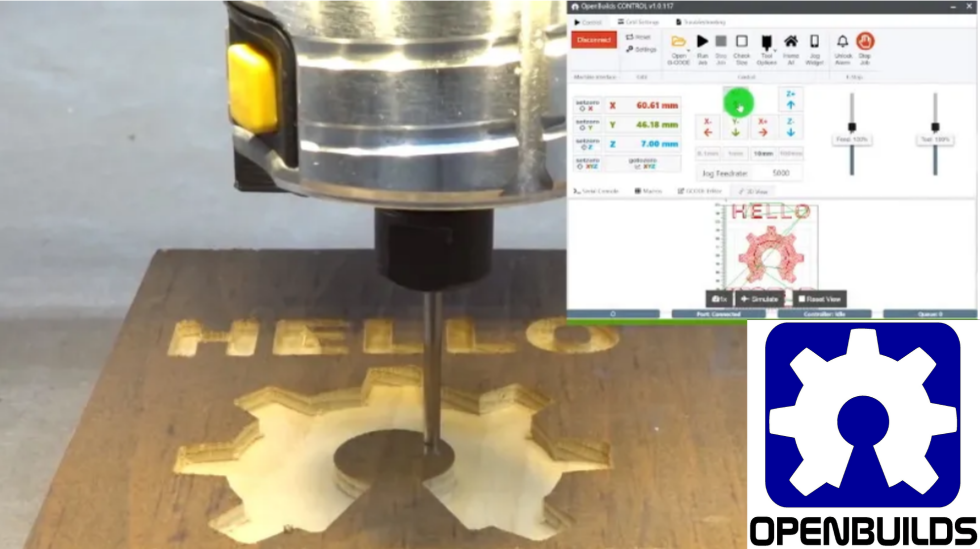
- OpenBuilds CAM: This is a free, web-based tool. It is perfect for simple 2D projects. It is very easy to use for beginners.
V. CNC Control Software: Running the Machine
This software is the final link. It controls the movement of your CNC router. It translates the G-Code into physical motion. This is sometimes called a “Sender.”
1. Grbl and Arduino-Based Control (UGS, Candle)
These are popular for smaller, hobbyist machines. Grbl is firmware run on an Arduino board. It is reliable and open-source.
- Universal G-Code Sender (UGS): This is very popular and free. It has a clear interface. It works on Windows, Mac, and Linux.
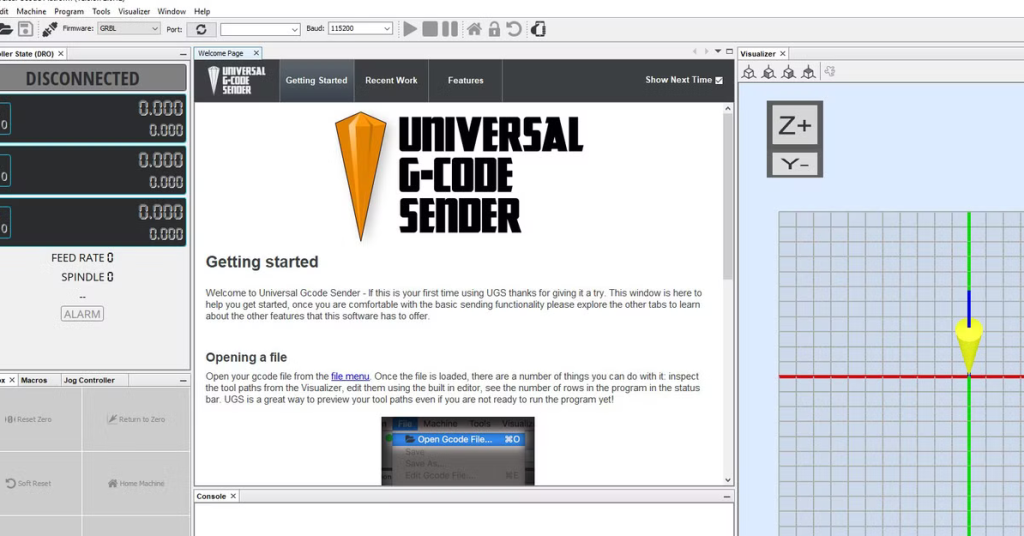
- Candle: A simple, efficient sender. It is designed specifically for Grbl. It gives you good visual feedback.
2. Industrial and Professional Control (Mach3/Mach4, EdingCNC)
These are necessary for professional and large-format machines. They offer more power and features. They handle more complex G-Code files.
- Mach3/Mach4: These are industry standards. They are powerful and highly customizable. Mach4 is the newer, more advanced version. They require a separate license.
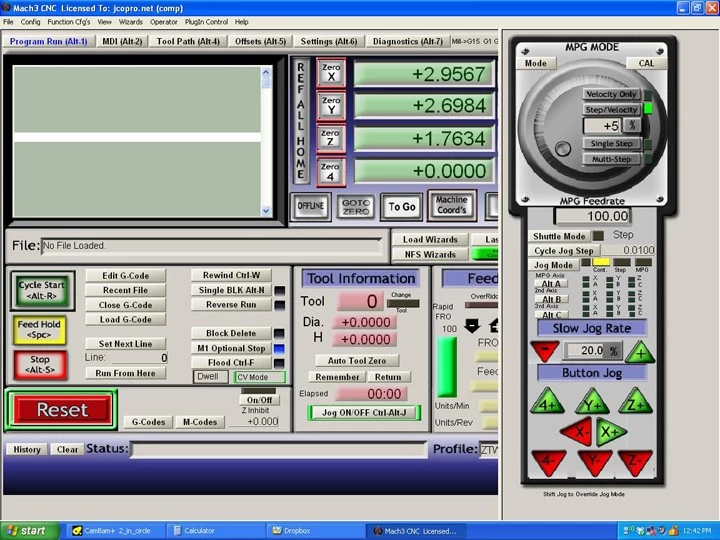
This video demonstrates how to install the Mach3 software.
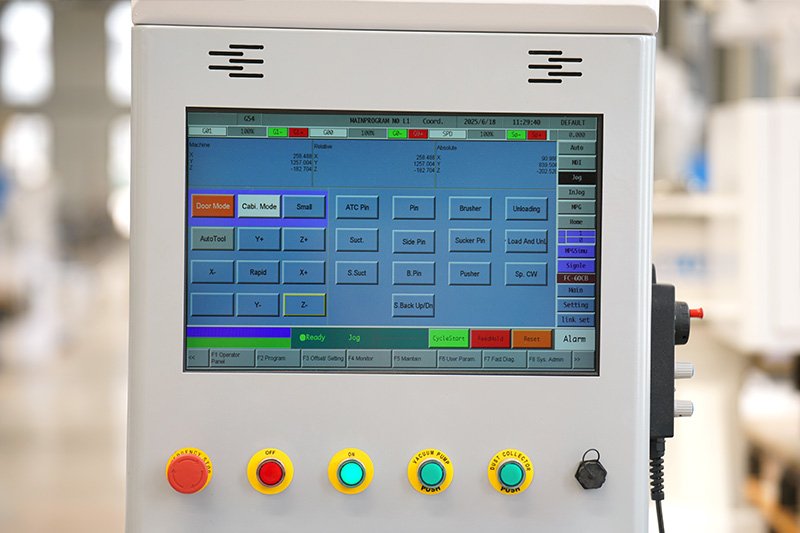
- Blue Elephant’s Own Controller System: Many high-end machines, like ours, use a dedicated controller. This system is optimized for our hardware. It offers stability and professional-level features.
VI. Practical Software Workflow: Your First Cut
Knowing the software names is not enough. You must understand the practical steps. Here is the process for a basic carving project.
1. Design Setup
First, you define the workspace size. This should match your material. Then, you draw your desired shape or text. Pay attention to scale and dimensions. Save the file in a common format, like .dxf or .svg.
2. Toolpath Creation
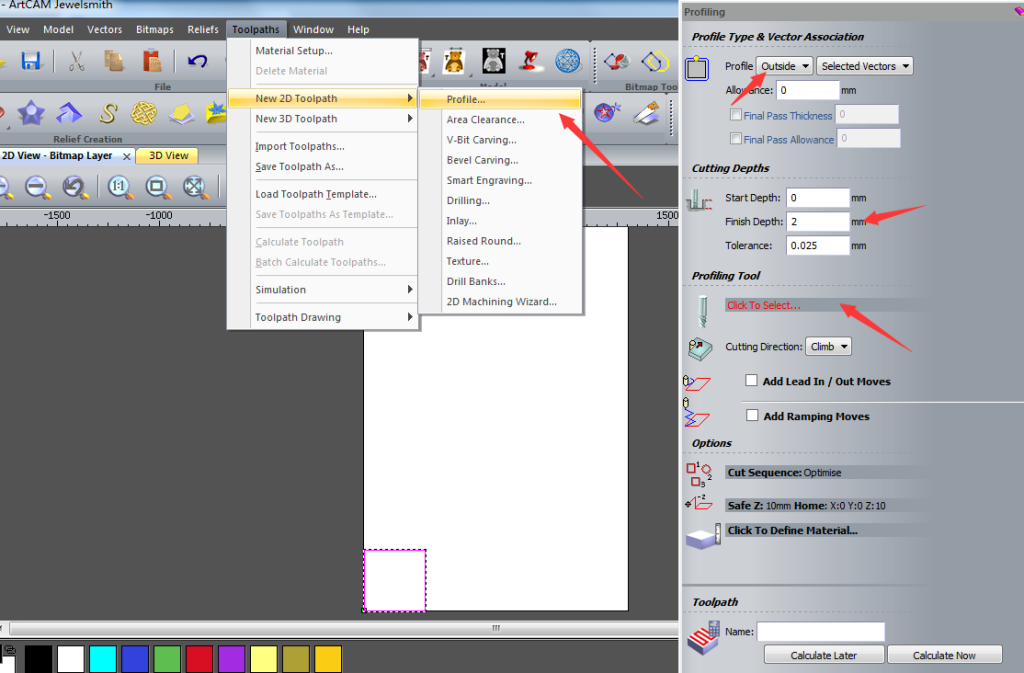
Import your design file into the CAM program. Next, you set the Zero Point (origin). This is the starting position (e.g., lower-left corner). Define the Tool Settings—diameter, speed, and flute count. Select the Cut Type: pocket, profile, or V-carve. Finally, calculate the toolpaths. The CAM software generates the G-Code file (.nc or .tap).
3. Machine Operation (Control)
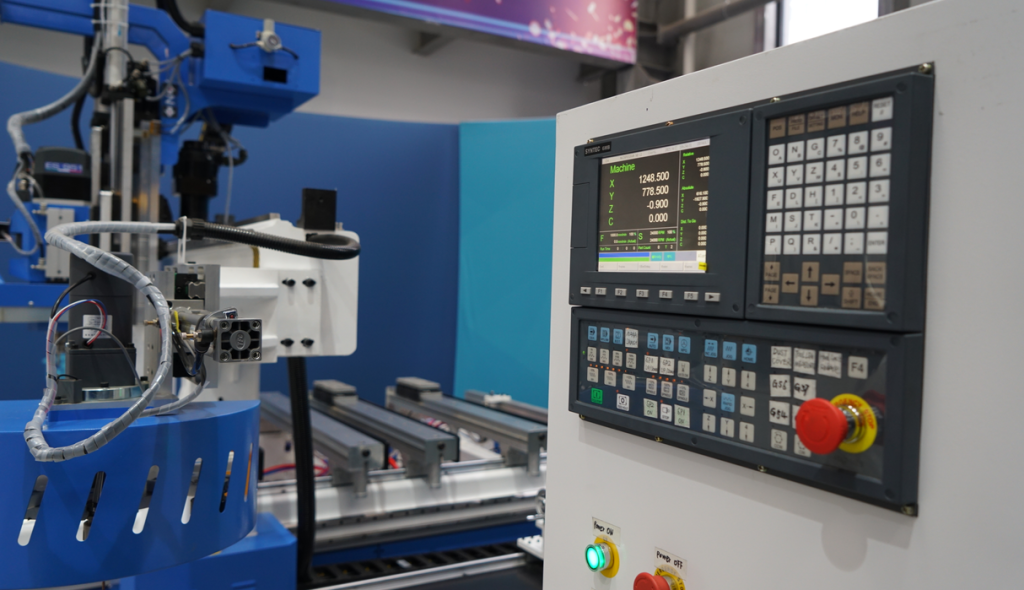
Load the G-Code file into the control software. Manually set the machine’s X, Y, and Z axes to the defined zero point. Start the spindle and ensure safe operation. Press “Start” on the control software. The router begins its automatic path. Always supervise the first few minutes closely.
VII. Comparison Table: CAD/CAM Software at a Glance
This table helps you compare the key options. Choose based on your budget and project complexity.
| Software Name | Focus | Cost (Approx.) | Difficulty | Key Benefit |
| Vectric VCarve Pro | 2D/2.5D CAM | $700 | Easy | Best blend of power and ease-of-use. |
| Autodesk Fusion 360 | 3D CAD/CAM | Free (Hobby) / $500/yr (Pro) | Medium | All-in-one professional package. |
| Carbide Create | 2D CAM | Free | Very Easy | Perfect for beginners and simple cuts. |
| ArtCAM (Autodesk) | Artistic/Relief | $5000+ | Medium-Hard | Excellent for detailed sculptural work. |
| Inkscape | 2D Vector CAD | Free | Easy | Best free tool for logo and graphic design. |
VIII. The Price of Productivity: Free vs. Paid Software
Your budget plays a big role in your choice. Both free and paid options exist.
1. Free CNC Software Options
Free software is perfect for starting out. It lets you learn without a big investment.
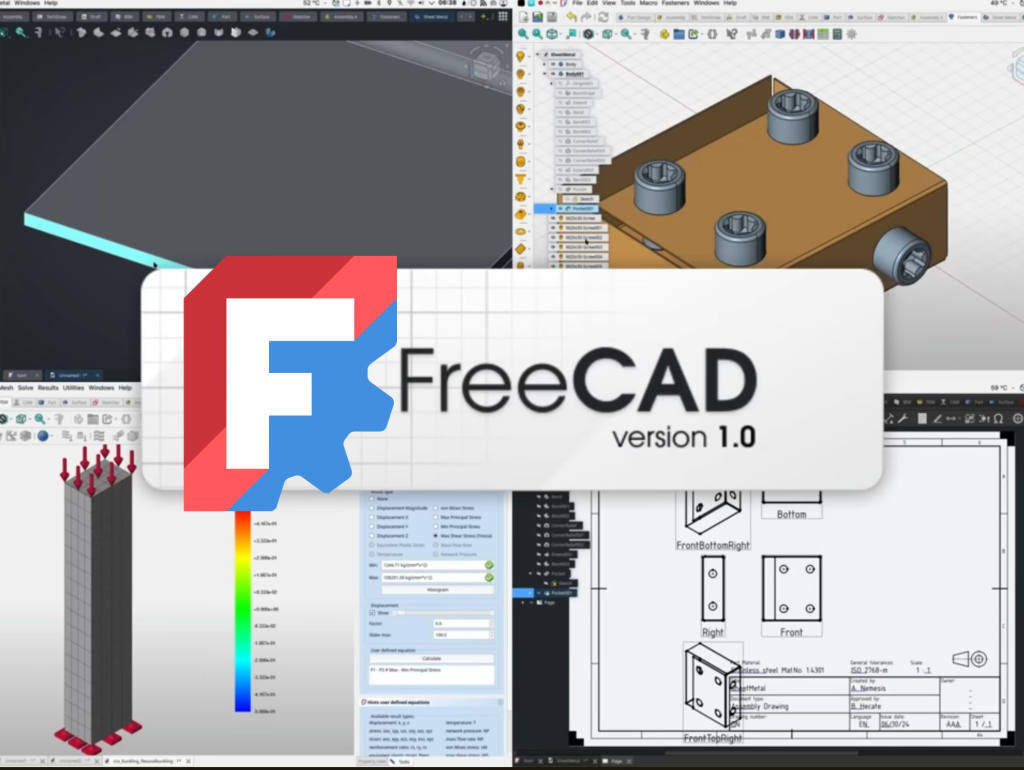
- FreeCAD: A powerful, open-source 3D modeling tool. It has a steep learning curve.
- Fusion 360 (Personal Use): Full-featured for non-commercial projects. This is a huge value.
- UGS & Candle: Free, reliable control software. Essential for many Grbl machines.
2. Paid Software: Is the Cost Worth It?
Paid software usually offers more features. It provides dedicated customer support. It often has faster, more efficient toolpaths.
- Better Support: Get help when you need it most. Avoid long downtime.
- Advanced Features: Specialized toolpaths save material. Simulation features prevent mistakes.
- Professional Work: Businesses must use licensed, professional tools.
IX. Key Technical Considerations
When selecting software, look at these factors. They ensure your software and machine work well together.
1. File Compatibility (Post-Processor)
The G-Code must be readable by your machine. This depends on the Post-Processor. The Post-Processor adapts the G-Code output. Make sure your CAM software supports your CNC controller. Blue Elephant machines work with standard industry posts.
2. Operating System Support
Does the software run on your computer? Most professional software is Windows-based. However, many hobby programs support Mac and Linux. Check compatibility before you buy.
3. Future Scalability
Choose software you can grow with. A starter program might be too limited later. Investing in a professional program early is wise. It avoids having to re-learn a new system later.
X. Conclusion-Your Next Steps to CNC Success
Choosing the right software is important. It is the bridge from idea to finished product. Start with free or entry-level paid software. Upgrade as your skills and projects grow. Focus on mastering one CAD and one CAM program first.
Remember that Blue Elephant machines are ready for any software. They are built for power, precision, and reliability. Do not let old equipment hold you back. Upgrade to a router that can handle your vision.
You may also like these related posts: