
I remember the first time I saw a CNC router machine in action. The precision, speed, and complexity of its movements were impressive, but the terminology? That was a different story. Terms like “G-code,” “spindle speed,” and “work offset” felt like a foreign language.
If you’re in the manufacturing industry, you’ve likely encountered the same challenge. Understanding CNC terminology is essential for communication, efficiency, and avoiding costly mistakes.
This guide breaks down CNC router machine terms from A to Z. With years of experience in the industry, I’ve seen firsthand how clear knowledge of these terms improves workflow and decision-making.
By the end of this article, you’ll have a clear grasp of CNC machine terminology. Whether you’re working with suppliers, training staff, or optimizing production, this list will save time and reduce confusion.
Let’s clear up the jargon and make CNC terms easy to understand.
So, let’s get started!
1. What Are CNC Machine Terminology and Why Are They Important?
CNC machine terms refer to the technical terms used to describe CNC machines, machining processes, programming methods, and machine components. Whether you are new to the CNC industry, a machine operator, engineer, manufacturer, or buyer, understanding these terms can help you communicate better, operate CNC equipment more effectively, and make better decisions when choosing a CNC machine.
2. Common CNC Terminology Guide
| Category | Terms |
| CNC Machine Components | Axis, Automatic Tool Changer (ATC), Ball Screw, Spindle, Fixture, Jig, Workpiece, Zero Point |
| CNC Programming Terms | CAD (Computer-Aided Design), CAM (Computer-Aided Manufacturing), CNC (Computer Numerical Control), G-Code, M-Code, NC (Numerical Control), Post Processor, Offset, Jog Mode |
| CNC Machining Terms | Drilling, Grinding, Heat Treatment, Indexing, Milling, Reaming, Turning, Undercut |
| Tooling Terms | End Mill, Router, Lathe, Kerf, Step-over, Plunge Rate |
| CNC Operation Terms | Feed Rate, Overtravel |
| Accuracy & Quality Terms | Surface Finish, Tolerance, Vibration Damping, Datum |
| Motion Control Terms | Linear Motion, Interpolation, X, Y, Z Axes |
2.1 CNC Machine Components
Axis
CNC machines operate along multiple axes to control movement and cutting precision. The primary axes are X (left-right), Y (front-back), and Z (up-down), with additional rotational axes (A, B, and C) in advanced machines. Multi-axis CNC machines enable the production of complex geometries and reduce the need for repositioning the workpiece.
Automatic Tool Changer (ATC)
An ATC system allows CNC machines to switch between different cutting tools automatically during machining. This feature improves efficiency by minimizing manual tool changes and reducing downtime. It also enhances precision by selecting the correct tool for each operation without human intervention.
Ball Screw
A ball screw is a mechanical component that converts rotational motion into smooth and accurate linear movement. It consists of a threaded shaft and ball bearings that reduce friction, ensuring precise positioning of machine components. This mechanism is crucial for achieving high-speed machining while maintaining accuracy.

Spindle
The spindle is the rotating component of a CNC machine that holds and drives the cutting tool. It determines the cutting speed and power, directly affecting machining accuracy and surface finish. High-performance spindles are essential for precision machining, especially in applications requiring fine tolerances.
Fixture
A fixture is a work-holding device that securely holds a workpiece in place during machining. It prevents movement or shifting, ensuring precision and consistency in manufacturing. Custom fixtures are often designed to accommodate specific parts, reducing setup time and improving productivity.
Jig
A jig is a work-holding device that not only secures the workpiece but also guides the cutting tool during machining. It ensures precision by maintaining consistent tool alignment and reducing the risk of human error. Jigs are particularly useful for repetitive production processes where accuracy and repeatability are critical.
Workpiece
A workpiece is the raw material being machined into a final product. It can be made from metals, plastics, wood, or composites, depending on the application. Properly securing the workpiece in a fixture or jig ensures stability and accuracy during machining.
Zero Point
The zero point is the reference starting position of a CNC machine before machining begins. It is crucial for establishing accurate tool paths and ensuring consistency across multiple parts. Proper calibration of the zero point helps prevent dimensional errors and misalignment in machining operations.
2.2 CNC Programming Terms
CAD (Computer-Aided Design)
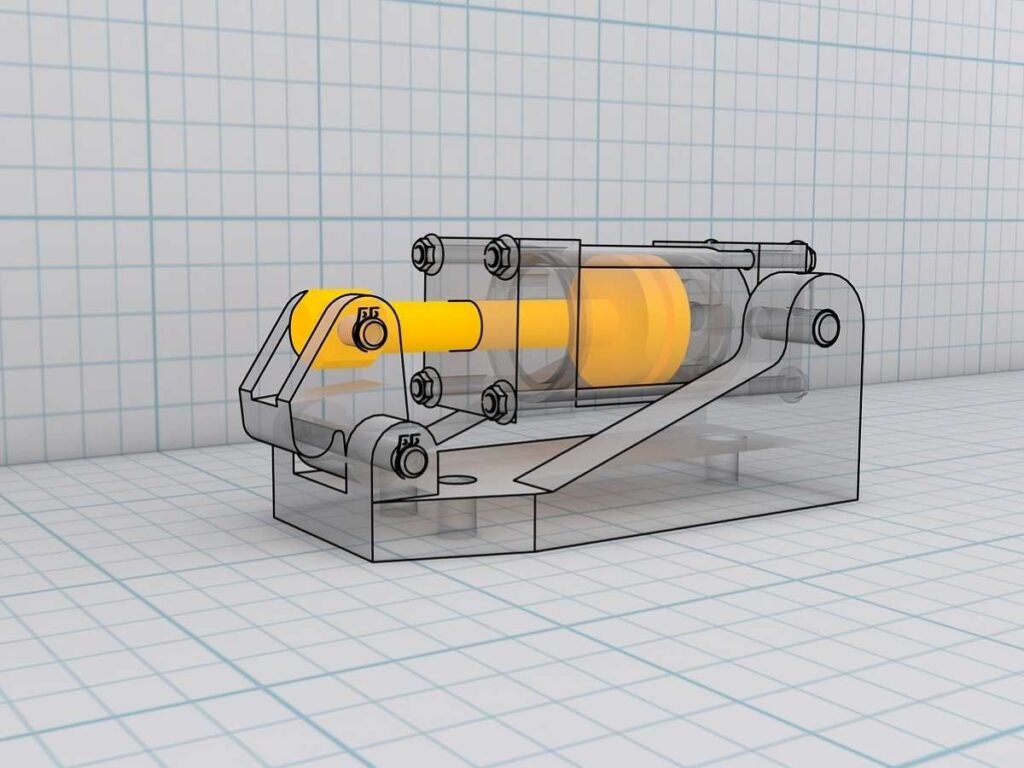
CAD software is used to create detailed 2D and 3D design models for manufacturing processes. Engineers and designers use it to visualize, modify, and optimize parts before production, reducing errors and material waste. These digital blueprints are later converted into machining instructions for CNC machines.
CAM (Computer-Aided Manufacturing)
CAM software translates CAD designs into machine-readable instructions for automated machining. It generates tool paths, cutting sequences, and G-code to guide CNC machines in producing parts accurately. By optimizing tool movements, CAM software improves efficiency and reduces machining time.

CNC (Computer Numerical Control)
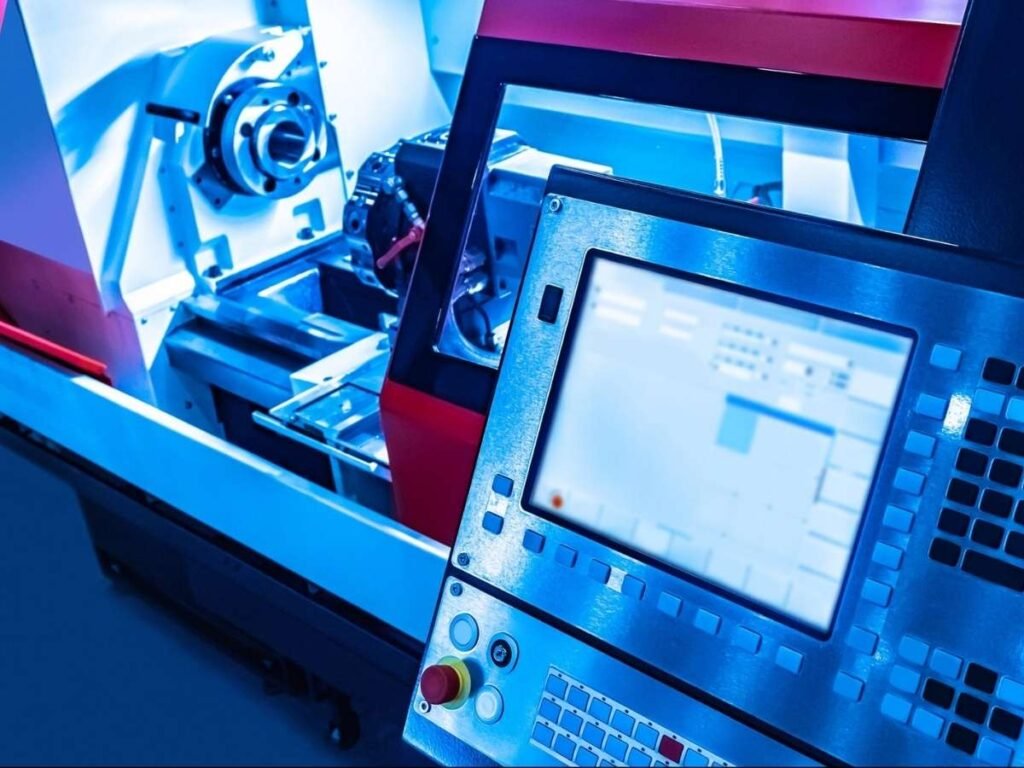
CNC technology automates machining by using programmed commands to control machine tools. It enhances precision, repeatability, and efficiency which are qualities essential for high-standard Precision CNC Machining Services, making it a preferred choice for modern manufacturing. CNC systems can operate milling machines, lathes, routers, and other automated tools.
G-Code
G-code is the programming language used to control CNC machines, dictating tool movements, speeds, and cutting paths. Each command in G-code provides specific instructions, such as moving the tool to a position or activating coolant. Properly written G-code ensures accurate and efficient machining operations.
M-Code
M-code is a set of CNC programming commands that control auxiliary machine functions, such as starting or stopping the spindle, coolant activation, and tool changes. These codes work alongside G-code to execute complete machining operations. Proper use of M-codes enhances automation and reduces the need for manual intervention.
NC (Numerical Control)
Numerical control (NC) is the predecessor of CNC, where machines were operated using punched tape or manually input numerical codes. Unlike CNC, NC machines had limited automation and required more operator involvement. The development of CNC technology improved efficiency, precision, and programmability in manufacturing.
Post Processor
A post processor is a software tool that converts CAM-generated tool paths into G-code specific to a CNC machine’s controller. Different CNC machines require customized post processors to ensure compatibility with their operational parameters. This step ensures that the machine executes the programmed tool paths accurately and efficiently.
Offset
An offset is a programmed adjustment that compensates for tool wear, material shifts, or positioning errors in CNC machining. It ensures that the tool follows the intended path accurately without modifying the original design. Proper offset management helps maintain tight tolerances and consistent part quality.
Jog Mode
Jog mode is a manual control feature that allows operators to move a CNC machine’s axes incrementally. It is commonly used for setup, tool positioning, and verifying movements before running a full machining program. This mode helps prevent errors by allowing operators to make fine adjustments in real time.
2.3 CNC Machining Terminology
Drilling
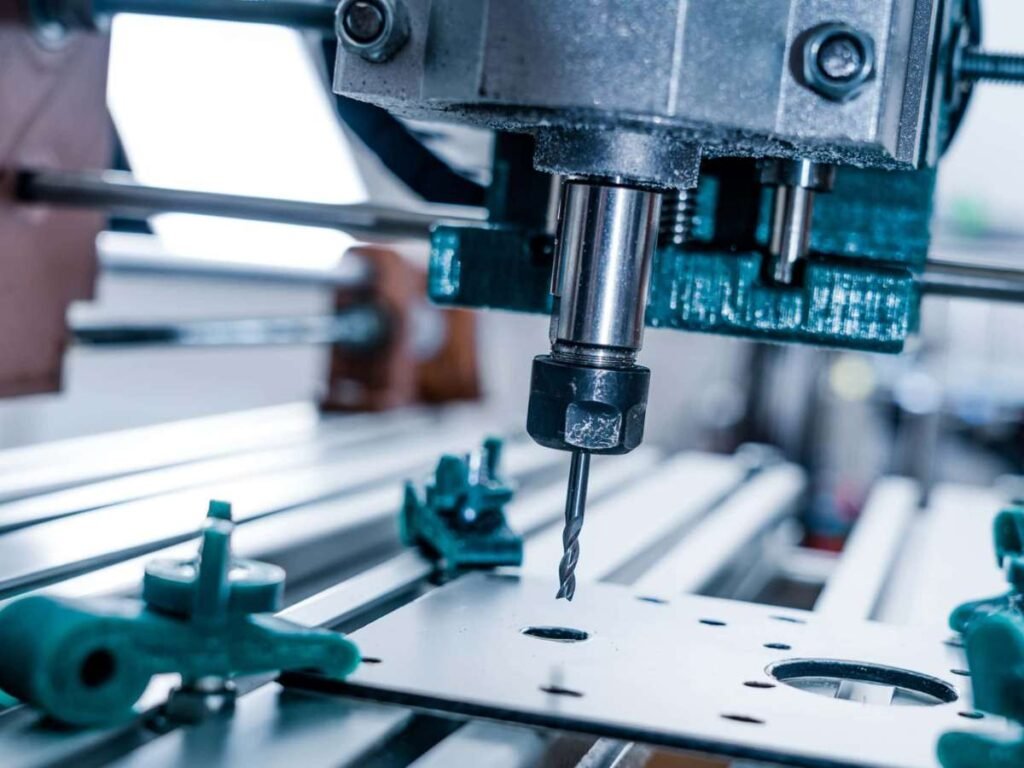
Drilling is a machining process that creates cylindrical holes using a rotating drill bit. The process can be performed with various drill types, including twist drills, step drills, and center drills, depending on the hole specifications. It is widely used in metalworking, woodworking, and plastic fabrication.
Grinding
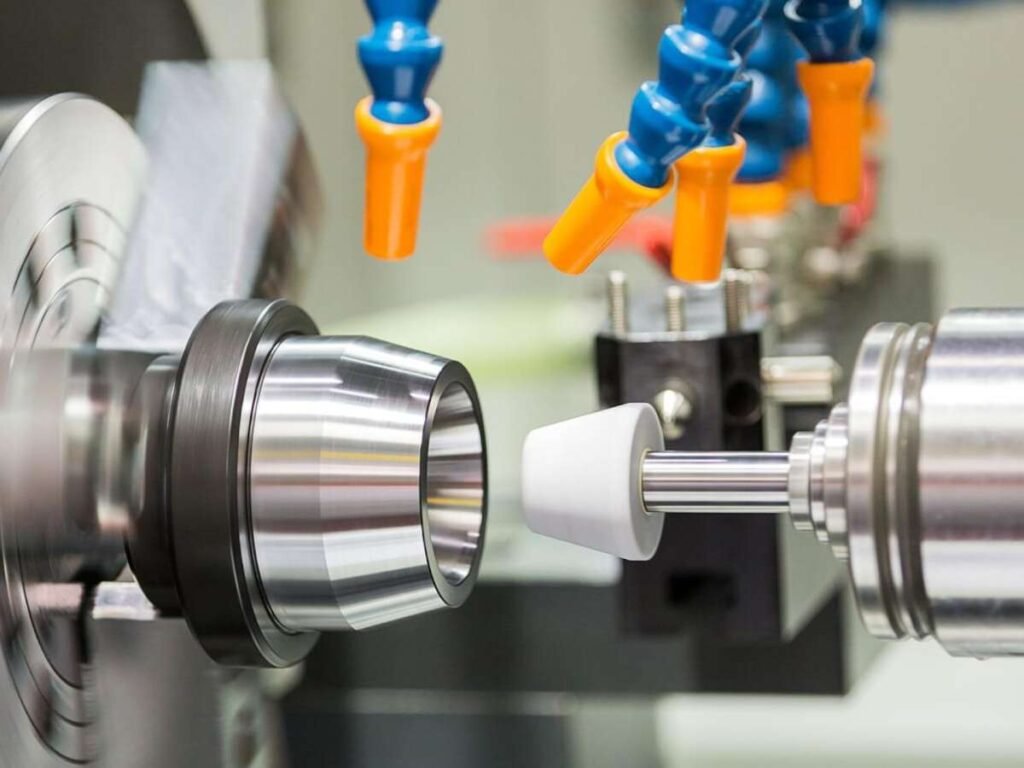
Grinding is a machining process that removes material using an abrasive wheel to achieve precise dimensions and smooth surface finishes. It is commonly used for finishing operations and to refine hardened materials that are difficult to cut with conventional tools. The process enhances dimensional accuracy and improves the durability of machined components.
Heat Treatment
Heat treatment is a process used to alter the physical and mechanical properties of metals before or after machining. By applying controlled heating and cooling cycles, manufacturers can enhance hardness, strength, and wear resistance. This process is essential for ensuring materials can withstand the stresses of machining and final use.

Indexing
Indexing refers to the controlled rotation of a workpiece or tool to precise angles for multi-sided machining. It is often used in rotary tables and multi-axis CNC machines to enhance efficiency and accuracy. This function enables complex machining operations without the need for frequent manual repositioning.
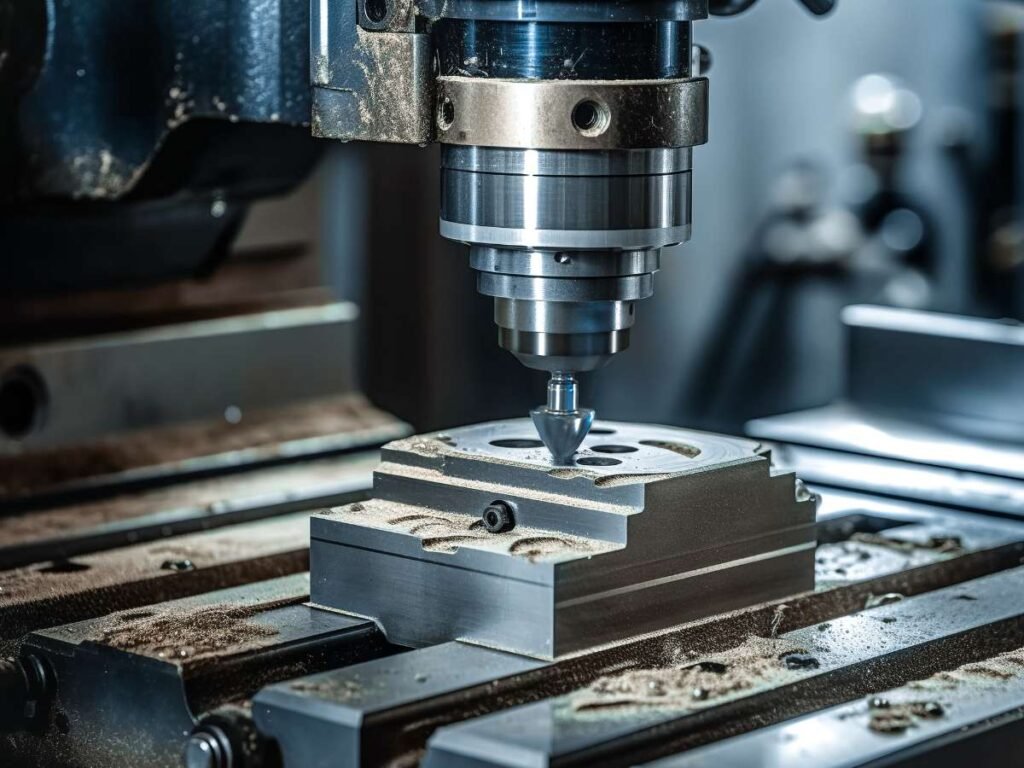
Milling
Milling is a machining process where a rotating cutting tool removes material from a stationary workpiece. It is used to create slots, pockets, contours, and complex shapes in metals, plastics, and composites. CNC milling machines offer high precision and flexibility for producing both simple and intricate parts.
Reaming
Reaming is a finishing process that enlarges and smooths a previously drilled hole to precise dimensions. It is used to improve hole accuracy and surface finish, often achieving tighter tolerances than standard drilling. This process is essential for applications requiring high-precision holes, such as in aerospace and automotive components.
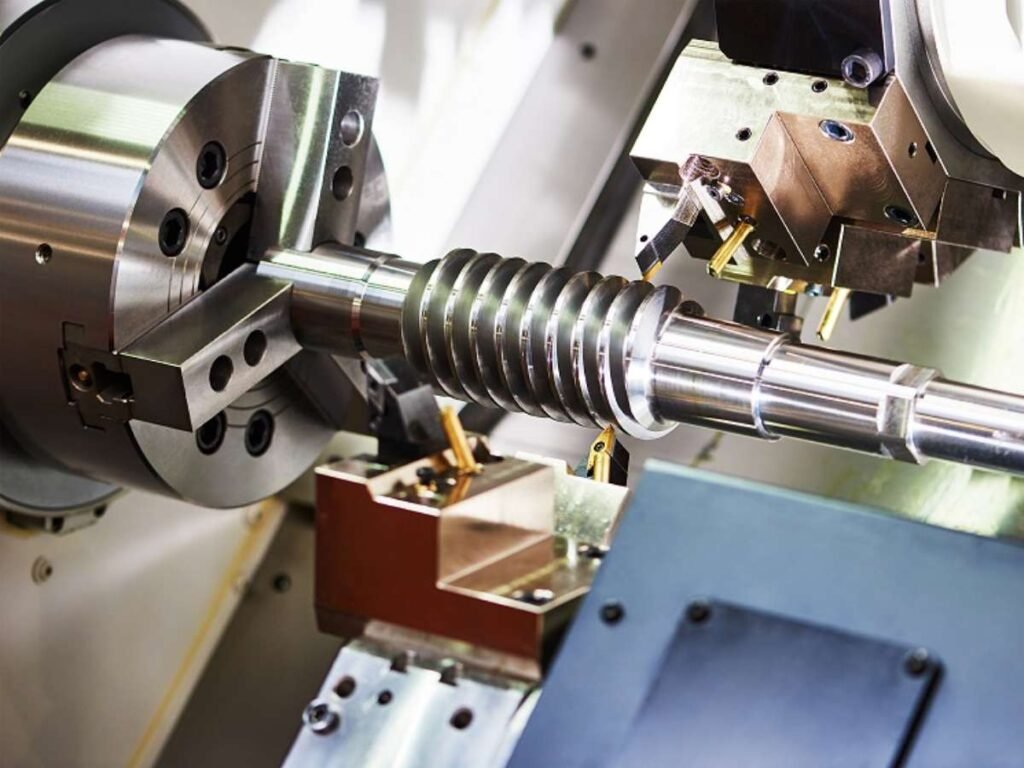
Turning
Turning is a machining process where a workpiece rotates while a stationary cutting tool removes material to shape it. This process is performed on a lathe and is commonly used to produce cylindrical parts such as shafts, rods, and threaded components. CNC turning machines enhance precision, speed, and repeatability in high-volume production.
Undercut
An undercut is a recessed feature in a workpiece that cannot be machined using standard cutting tools from a single direction. Specialized tools such as T-slot cutters or multi-axis CNC machines are required to produce undercuts effectively. They are commonly found in mold making, keyway slots, and mechanical interlocking parts.
2.4 Tooling Terms
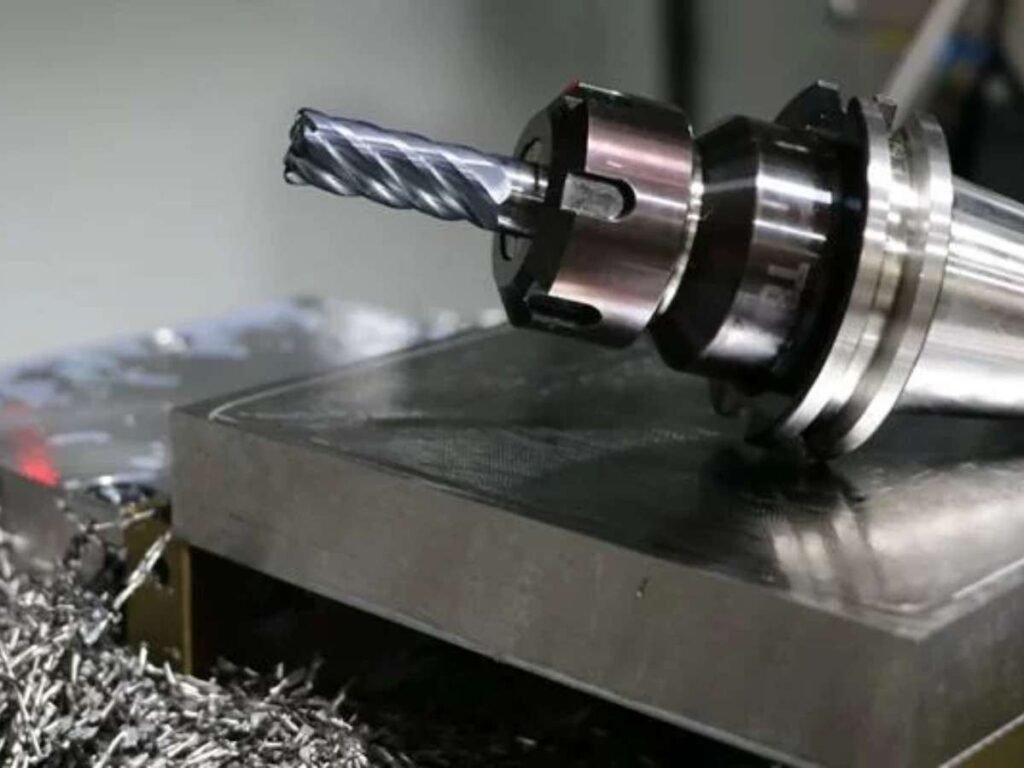
End Mill
An end mill is a rotating cutting tool used in milling operations to remove material from a workpiece. It can cut in multiple directions and comes in various shapes, such as flat, ball-nose, and corner-radius designs. End mills are essential for producing slots, contours, and intricate details in machined parts. Choosing the right carbide end mills according to the workpiece material, cutter geometry, and machining operation can help improve chip evacuation, cutting stability, surface finish, and tool life.
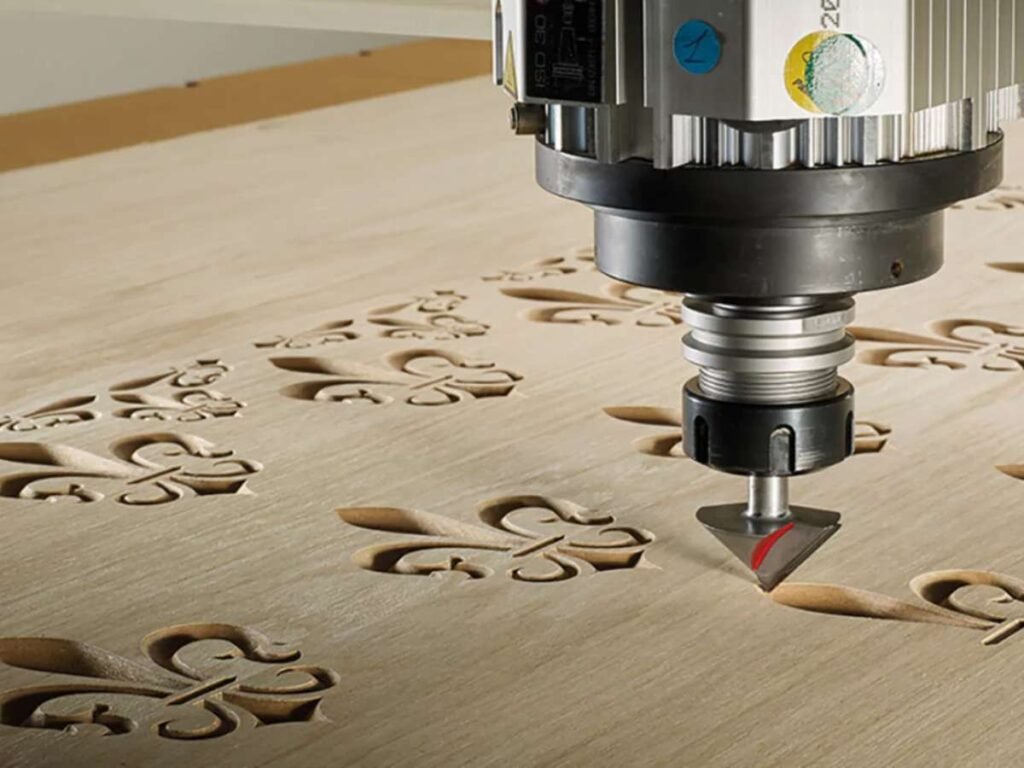
Router
A CNC router is a machine designed primarily for cutting and shaping wood, plastics, and composite materials. It operates similarly to a milling machine but is optimized for high-speed material removal and intricate detailing. CNC routers are widely used in furniture making, sign manufacturing, and architectural fabrication.
Lathe
A lathe is a CNC machine used for shaping cylindrical workpieces by rotating them against a stationary cutting tool. It is commonly used for operations such as turning, threading, and facing. CNC lathes provide high precision and efficiency in producing components like shafts, bushings, and custom fittings.

Kerf
Kerf refers to the width of material removed by a cutting tool, such as a laser, plasma, or saw blade. It is important to account for kerf width in machining to ensure accurate part dimensions. Proper adjustments in toolpath programming help minimize material waste and maintain precision.
Step-over
Step-over is the lateral distance a cutting tool moves between passes in a milling operation. A smaller step-over produces a finer surface finish, while a larger step-over increases material removal rates. Balancing step-over settings is key to optimizing machining time without compromising part quality.
Plunge Rate
Plunge rate refers to the speed at which a cutting tool moves vertically into the material. A controlled plunge rate prevents excessive tool wear, minimizes cutting forces, and ensures smooth entry into the workpiece. Optimizing this setting is crucial for maintaining tool longevity and achieving high-quality machining results.
2.5 CNC Operation Terms
Feed Rate
Feed rate refers to the speed at which a cutting tool moves through the material during machining. It directly affects surface finish, tool life, and overall machining efficiency. Adjusting the feed rate optimally ensures precise cutting while preventing tool wear or breakage.
Overtravel
Overtravel occurs when a CNC machine moves beyond its programmed limits, potentially causing errors or mechanical damage. Machines have built-in limit switches or sensors to prevent excessive movement. Detecting and correcting overtravel ensures safe operation and prevents costly repairs.
2.6 Accuracy & Quality Terms
Surface Finish
Surface finish refers to the texture and smoothness of a machined part’s surface after processing. It is influenced by factors such as tool sharpness, cutting speed, feed rate, and material properties. Achieving the desired surface finish is crucial for functional and aesthetic purposes in manufacturing.
Tolerance
Tolerance defines the acceptable deviation from a specified dimension in a machined part. Tight tolerances are essential in industries such as aerospace, medical, and automotive manufacturing, where precision is critical. Proper CNC programming and tool calibration help maintain consistent tolerances throughout production.
Vibration Damping
Vibration damping refers to techniques used to reduce unwanted machine vibrations that can affect precision and surface finish. It is achieved through methods such as using dampened tool holders, reinforced machine structures, or adjusting cutting parameters. Effective vibration control extends tool life and enhances machining accuracy.
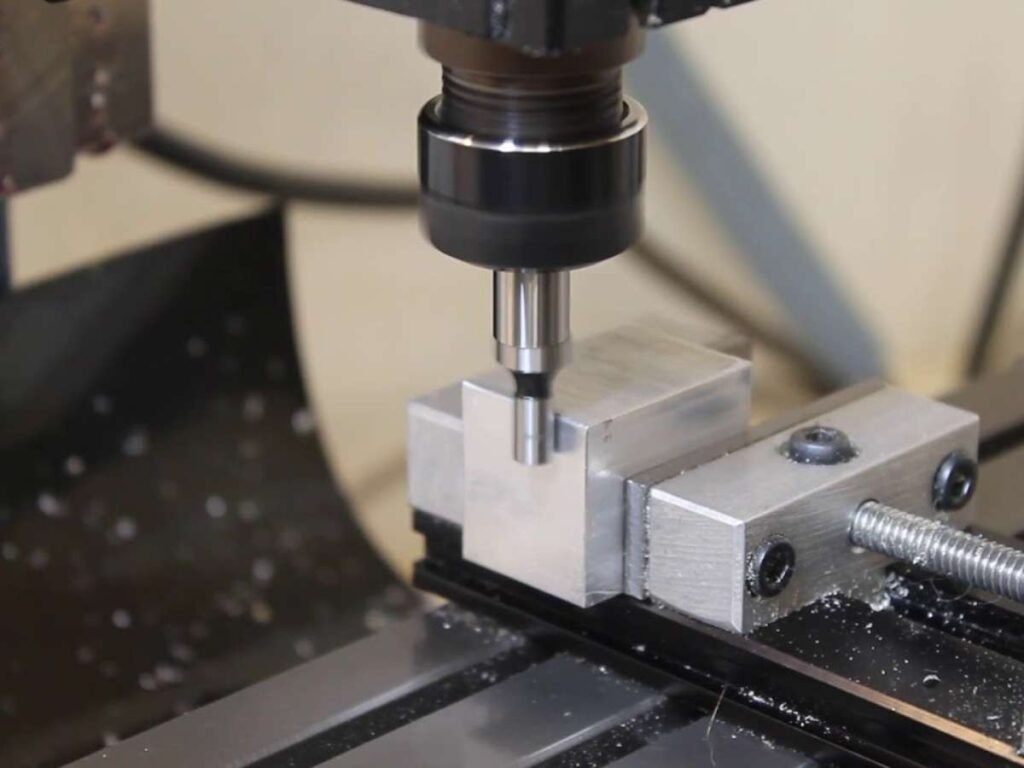
Datum
A datum is a fixed reference point used for accurate measurements and tool positioning in CNC machining. It ensures consistency and precision by serving as a starting location for machining operations. Proper datum selection is essential for maintaining uniformity across multiple parts in production.
2.7 Motion Control Terms
Linear Motion
Linear motion describes the straight-line movement of CNC machine components along the X, Y, and Z axes. It is achieved through ball screws, linear rails, or guideways to ensure smooth and precise positioning. Accurate linear motion is crucial for high-quality machining and repeatability.
Interpolation
Interpolation is the ability of a CNC machine to move along multiple axes simultaneously to create smooth curves and complex geometries. This function is essential for high-precision machining, especially in applications like engraving and 3D contouring. It allows CNC machines to execute intricate designs that would be difficult to achieve with linear movements alone.
X, Y, Z Axes
These are the three primary movement directions in CNC machining, determining tool positioning. The X-axis moves left-right, the Y-axis moves front-back, and the Z-axis moves up-down. Understanding these axes is essential for programming precise tool paths and machine movements.
FAQ
1. What Are the Most Common CNC Terminology Beginners Should Know?
Beginners should understand some basic CNC terms, such as axis, spindle, feed rate, G-code, CAD, CAM, work offset, ATC (Automatic Tool Changer), and tolerance.
Learning these basic CNC router terms can help beginners better understand machine operation, programming, and machining accuracy. With basic knowledge and hands-on practice, users can quickly learn how to operate CNC machines and improve their machining skills.
2. How does a CNC machine work step by step?
The CNC machining process includes six basic steps: CAD design, CAM programming, G-code generation, zero point setting, tool installation, and CNC machining.
- CAD Design: Create a 2D or 3D design in CAD software. The design includes the size and shape of the product.
- CAM Programming: Import the CAD file into CAM software to create the cutting path for the CNC machine.
- Generate G-Code: CAM software converts the cutting path into G-code, which controls the machine movement, spindle speed, and tool operations.
- Set Zero Point: Set the work zero point to make sure the machine cuts in the correct position.
- Install Tools: Select and install the right cutting tools for different applications, such as cutting, 3D carving, or engraving.
- CNC Machining: After setup, the CNC machine follows the program and automatically completes the machining process.
3. What are the different types of CNC machine axes?
Common CNC routers usually come with 3-axis, 4-axis, and 5-axis configurations.
- 3-Axis CNC Machine:
A 3-axis CNC machine moves the cutting tool along the X, Y, and Z axes. It can perform flat cutting, 2D engraving, slotting, drilling, and relief carving. If you work in woodworking, advertising, or furniture manufacturing, a 3-axis CNC router can meet most of your processing needs. - 4-Axis CNC Machine:
A 4-axis CNC machine adds an A-axis based on the standard X, Y, and Z axes, allowing the spindle to tilt and rotate ±90° around the A-axis. This enables 3D carving and more complex curved surface machining. - 5-Axis CNC Machine:
A 5-axis CNC machine adds two additional rotary axes, allowing the cutting tool to approach the workpiece from multiple angles. It is designed for complex curved surfaces, multi-angle machining, and advanced 3D processing applications.
4. What CNC specifications should I understand before buying a machine?
Before buying a CNC machine, there are several key specifications you should understand. These specifications directly affect the machine’s processing capability, accuracy, production efficiency, and suitable applications. The main factors include the working area, spindle power, spindle speed, drive system, control system, machining accuracy, Automatic Tool Changer (ATC), and vacuum table. Understanding these important parameters will help you make a better decision and choose the right CNC machine for your production needs.
5. What is the difference between ball screw and rack and pinion in CNC machines?
Ball screws and rack and pinion systems are the two main drive types used in CNC machines. Ball screws provide high accuracy and smooth movement, making them ideal for small CNC machines and precision machining. Rack and pinion systems offer faster movement and are suitable for large CNC machines, providing stable performance during long-distance machining. Large CNC routers often use rack and pinion drives to maintain stability during high-speed processing.
6. What’s the Difference between G-code and M-code?
G-code and M-code are both CNC programming commands, but they control different functions. G-code controls the movement of the cutting tool, such as positioning, cutting paths, and machining operations. M-code controls auxiliary machine functions, such as spindle start/stop, coolant activation, and tool changes. In simple terms, G-code controls tool movement, while M-code controls machine functions.
7. What CNC machine terms affect CNC machining accuracy?
CNC machine accuracy is influenced by many factors, including machine structure, mechanical components, control settings, and operating conditions. Understanding these key terms helps buyers choose a more precise and reliable CNC machine.
Conclusion
CNC machines are powerful, but understanding their language is just as important as running them.
Remember my first time struggling with CNC jargon? Those days are over. And they can be for you too.
Curious how these terms apply to real machines? Companies like Blue Elephant in China make it easy to see CNC technology in action.
Now it’s your turn. Take this knowledge and apply it to your business. Train your team. Improve your workflow.
Need more guidance? Contact us today!
Learn More: Recommended Reads
If you’re looking for more insights, we’ve put together a list of helpful articles that you might enjoy:
CNC Safety & Accuracy
- How Accurate Are CNC Machines?
- CNC Machine Safety Precautions: Do’s and Don’ts
- CNC Machine Safety: 8 Rules to Follow
- Understanding CNC Machine Tolerances & Accuracy
Operations & Troubleshooting
- The Ultimate CNC Machine Maintenance Checklist
- 10 Common CNC Machine Problems and How to Solve Them
- Top 8 CNC Machine New Technology
- What Is Offset in CNC Machine?
Still haven’t found what you’re looking for? Don’t hesitate to contact us. We’re available around the clock to assist you.