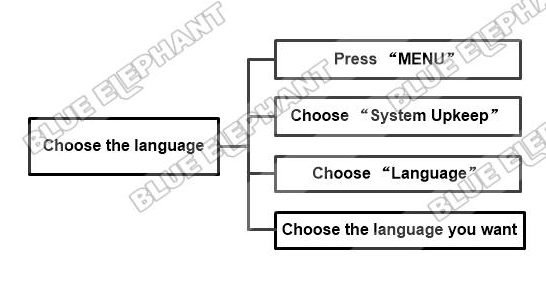
How To Change Language In NK260 Control System
The steps are as follows. Press “System” Press “C” Press “F3”,for select the…

How To Back To “Home” In NK260 Control System
The steps are as follows. After Power on,all axis should back to “home”(REF…
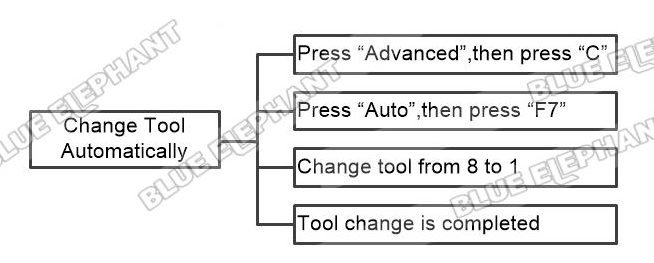
How To Change Tool Automatically In NK260 Control System
The steps are as follows. Press “Advanced”,then press “C” Press “Auto”,then…
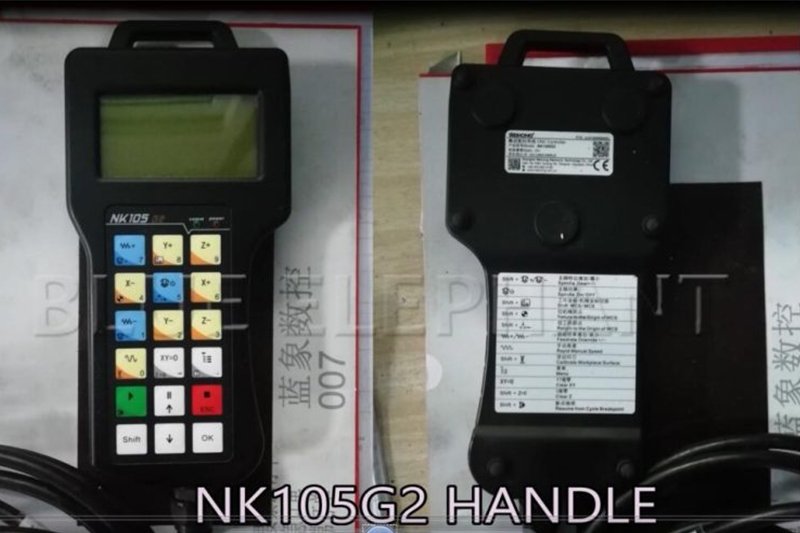
How To Continue To Work After Set The Breakpoint In NK105 G2
The steps are as follows. Press red stop button to stop working. Press…
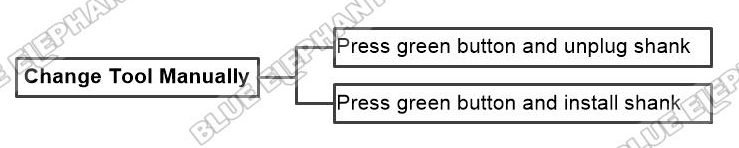
How To Change Tool Manually In NK260 Control System
The steps are as follows. Press green button and unplug shank Press green…
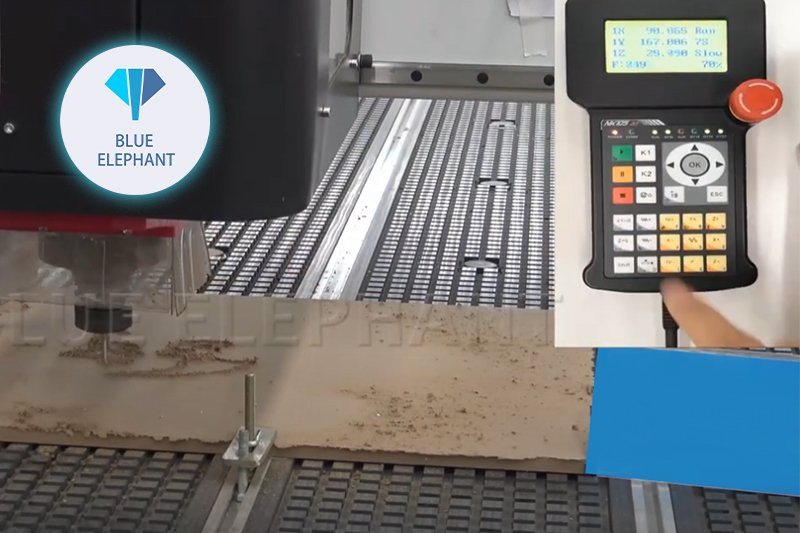
How To Continue To Work After Set The Breakpoint In NK105 G3
The steps are as follows. Press red stop button to stop working. Press…
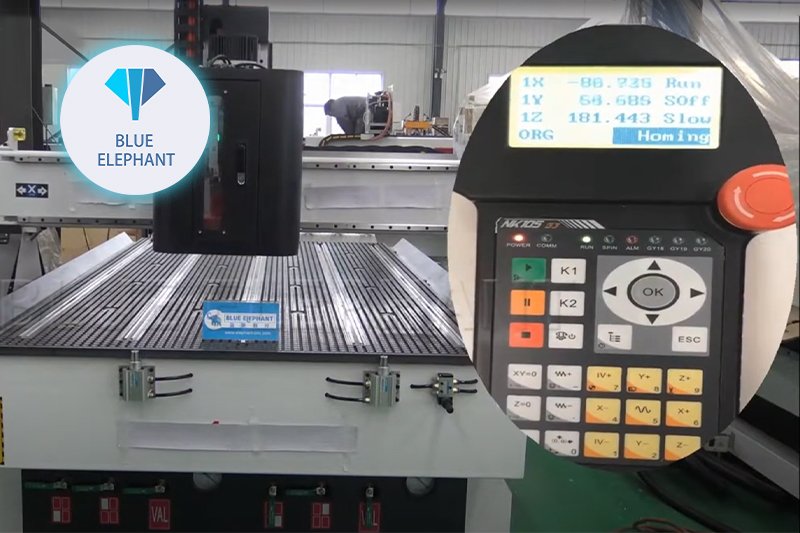
How To Back To Home In NK105 G3
After Power on,all axis should back to “home”(REF point) The video is as…

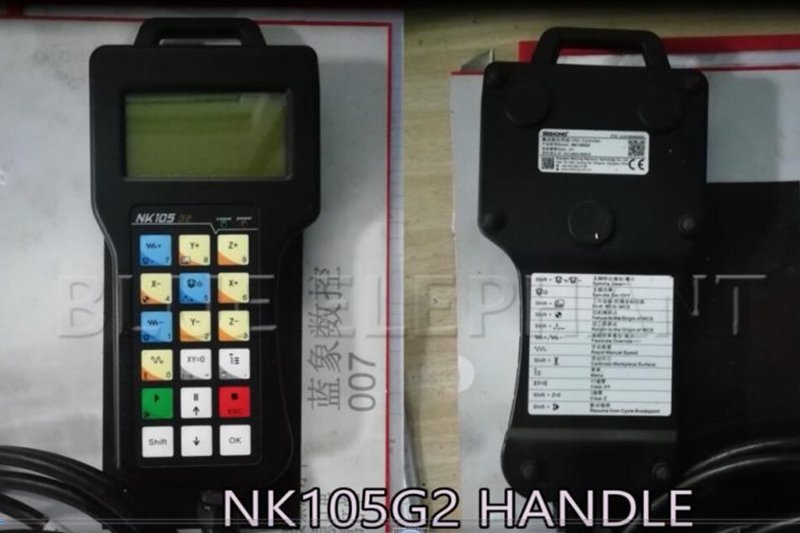
How To Back To Home In NK105 G2
After Power on,all axis should back to “home”(REF point) combination key…