
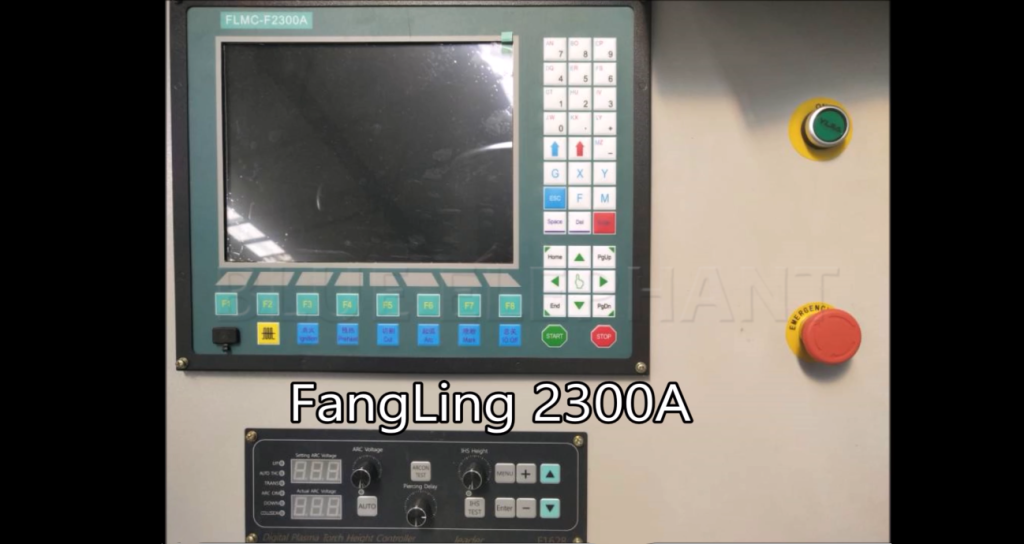

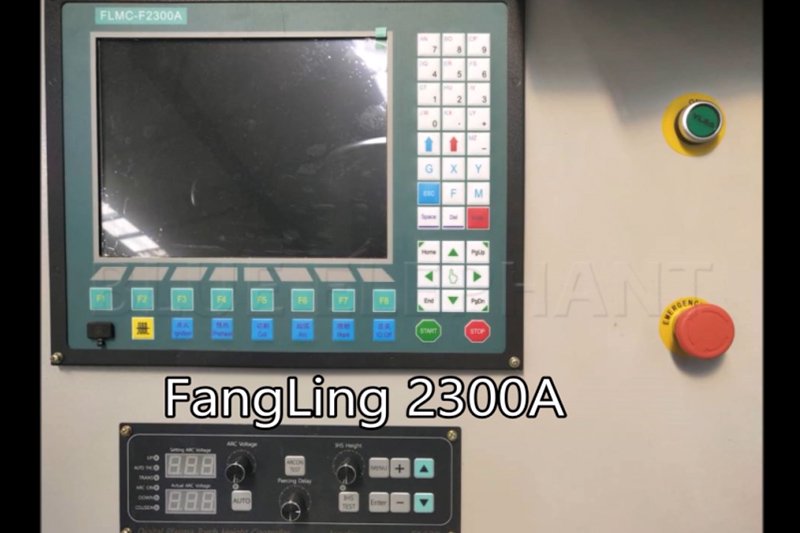
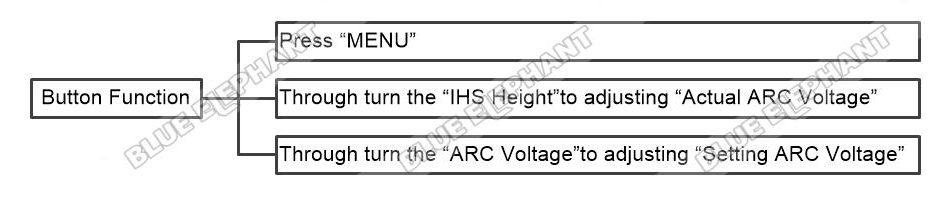
Display The Function Of Button In FangLing 2300A
The steps are as follows. Press “MENU” Through turn the “IHS Height”to…
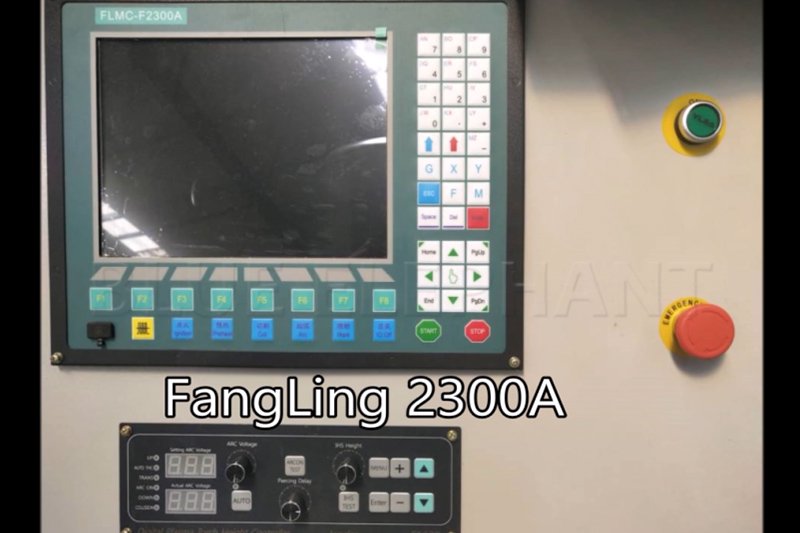
How To Adjust Current Size By Hypertherm Power In FangLing 2300A
The steps are as follows. Turn the white button near the ammeter to adjust the…
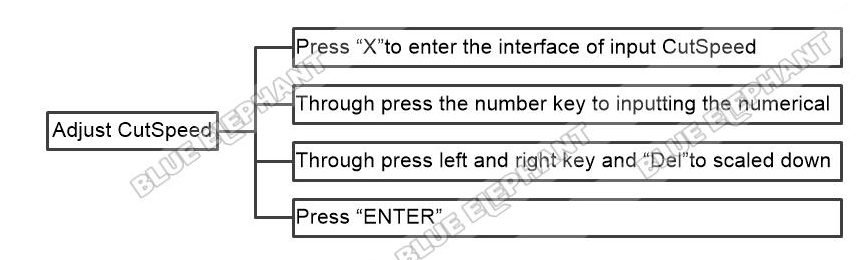
How To Adjust Cutting Speed In FangLing 2300A
The steps are as follows. Press “X”to enter the interface of inputCutSpeed…

How To Load Graphics And Resize In FangLing 2300A
The steps are as follows. Press “F1” Through press the up, down, left and…
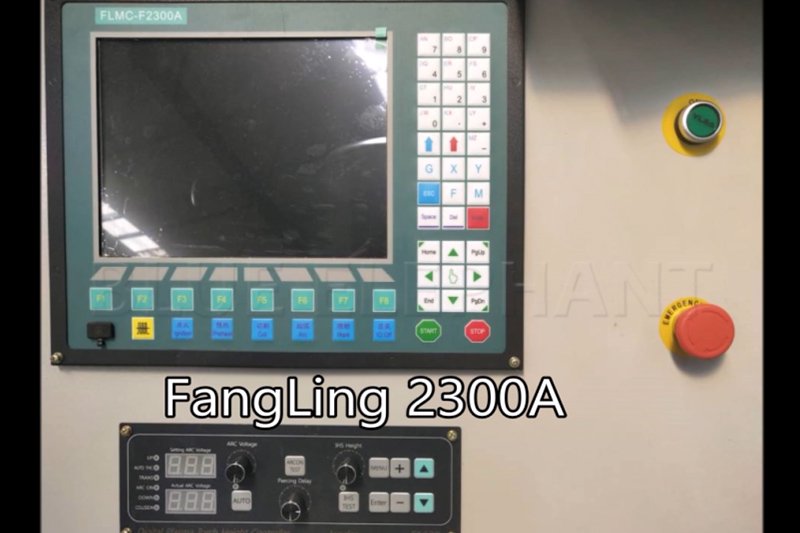
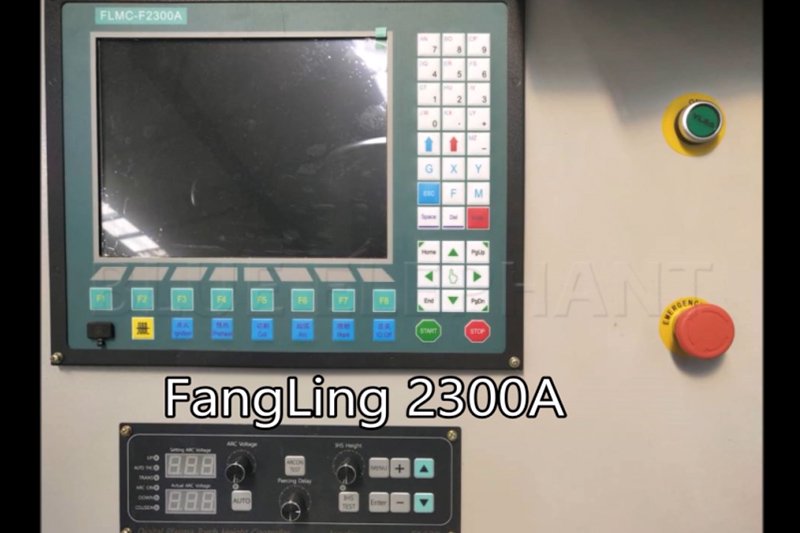
How To Move Manually In FangLing 2300A
The steps are as follows. Through press the up, down, left and right key to…
How To Perform Machining And Acceleration Deceleration In FangLing 2300A
The steps are as follows. Press “START” Press “Enter” Press “F5”to increasing…
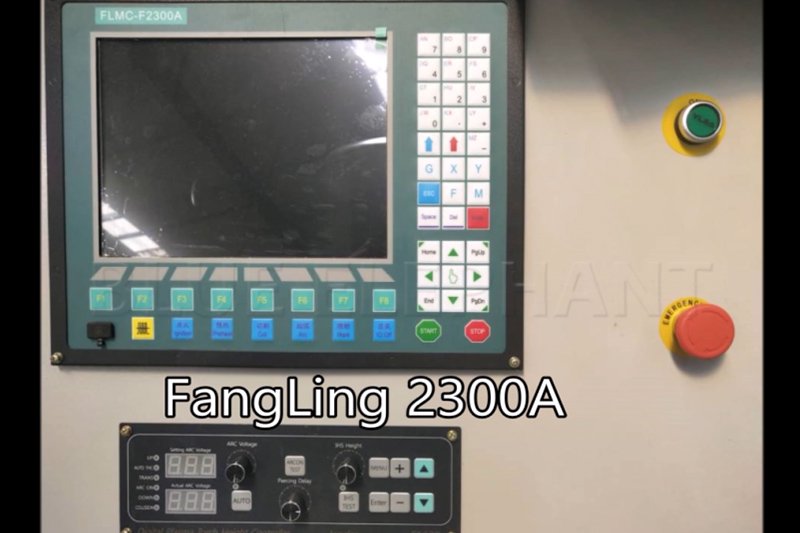
How To Power On Machine In FangLing 2300A
The steps are as follows. Turn the red button,press the green button The video…
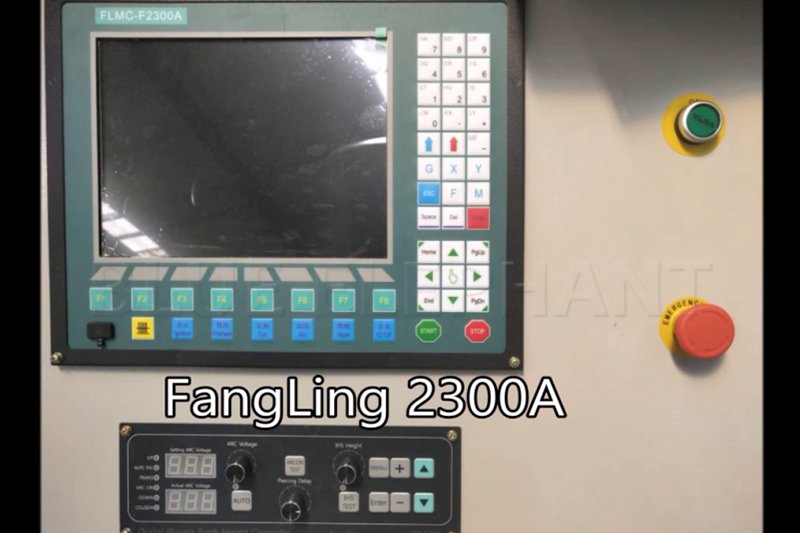
How To Set Zero Point In FangLing 2300A
The steps are as follows. Confirm safe height Press “IHS TEST” The video is as…
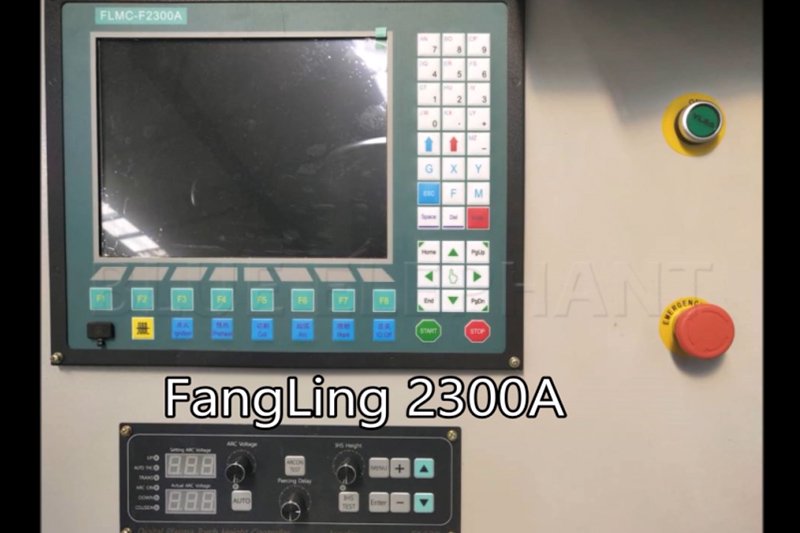
How To Switch On Hypertherm Power In FangLing 2300A
The steps are as follows. Turn the black button The video is as follows.