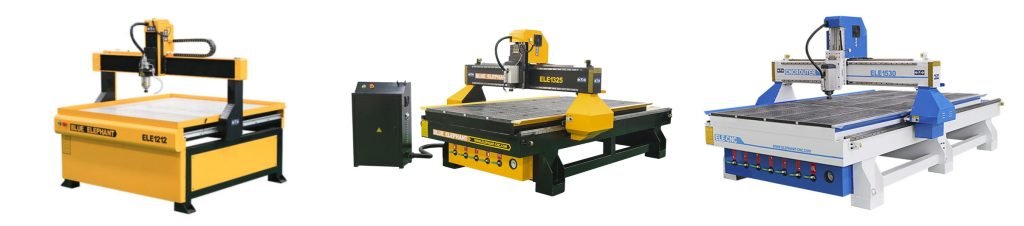
Selecting the appropriate CNC router size is the most crucial decision you’ll make, as it directly impacts your production capabilities, efficiency, and budget. The “right” size is highly subjective and depends entirely on your specific manufacturing needs.
This guide will dissect the factors beyond the basic dimensions, helping you navigate the complex interplay of space, material, budget, and ambition to find the perfect fit for your needs.
1. Common CNC Router Sizes and Corresponding User Groups
Before diving into the nuances of selection, it’s essential to understand the common market classifications.
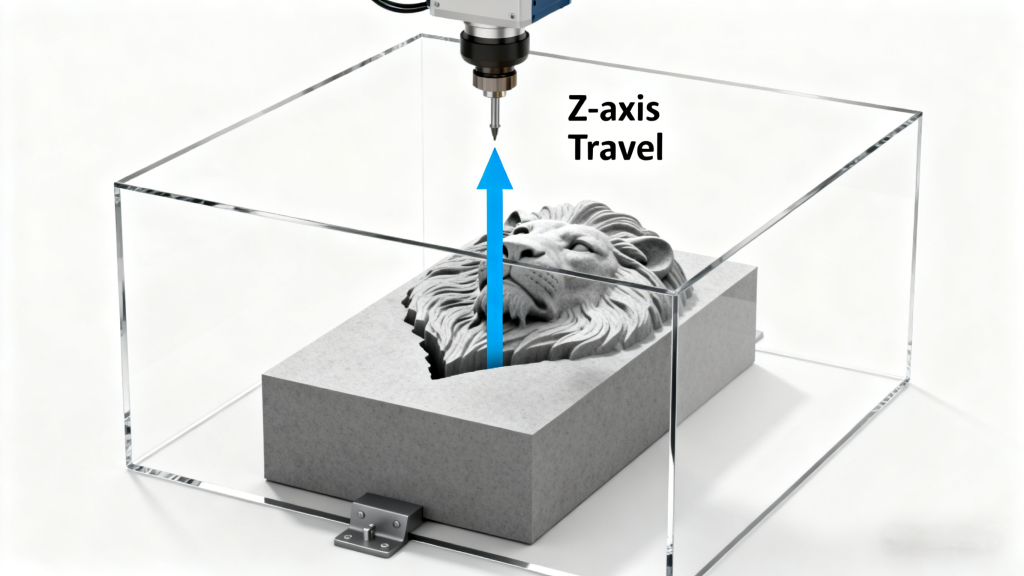
CNC routers are typically defined by their X, Y, and Z travel, which describes the maximum movement of the spindle and defines the cuboid of space within which you can machine a part. Understanding these general categories will help you quickly narrow down what fits your needs.
Desktop & Benchtop CNC Routers
These machines are characterized by their compact size, often sitting on a workbench or a small stand. They are the most accessible entry point into the world of CNC.
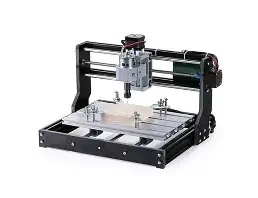
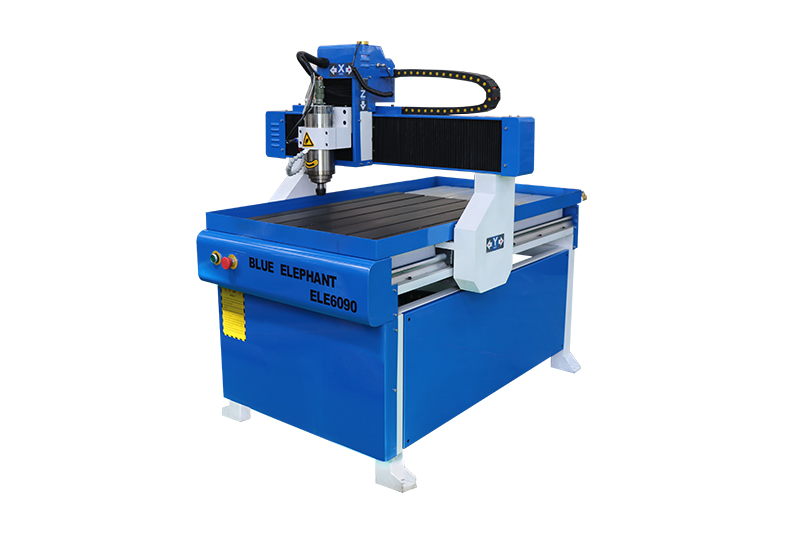
Typical Work Area: Ranges from 1′ × 1′ up to 2′ × 4′(600x1200mm), e.g., 3018, 6090 mm.
3018 CNC router
6090 CNC router
Primary User Group: Hobbyists, makers, educators, and designers creating small-scale prototypes.
Common Applications: Engraving phone cases and custom gifts, milling printed circuit boards (PCBs), creating intricate wooden inlays, producing small signs, and machining soft materials like wood, plastics, and foams. Their limited power and rigidity make them unsuitable for heavy-duty milling in metals or hardwoods.
Desktop & Benchtop CNC Router applications
Mid-Size & “Small Business” Routers
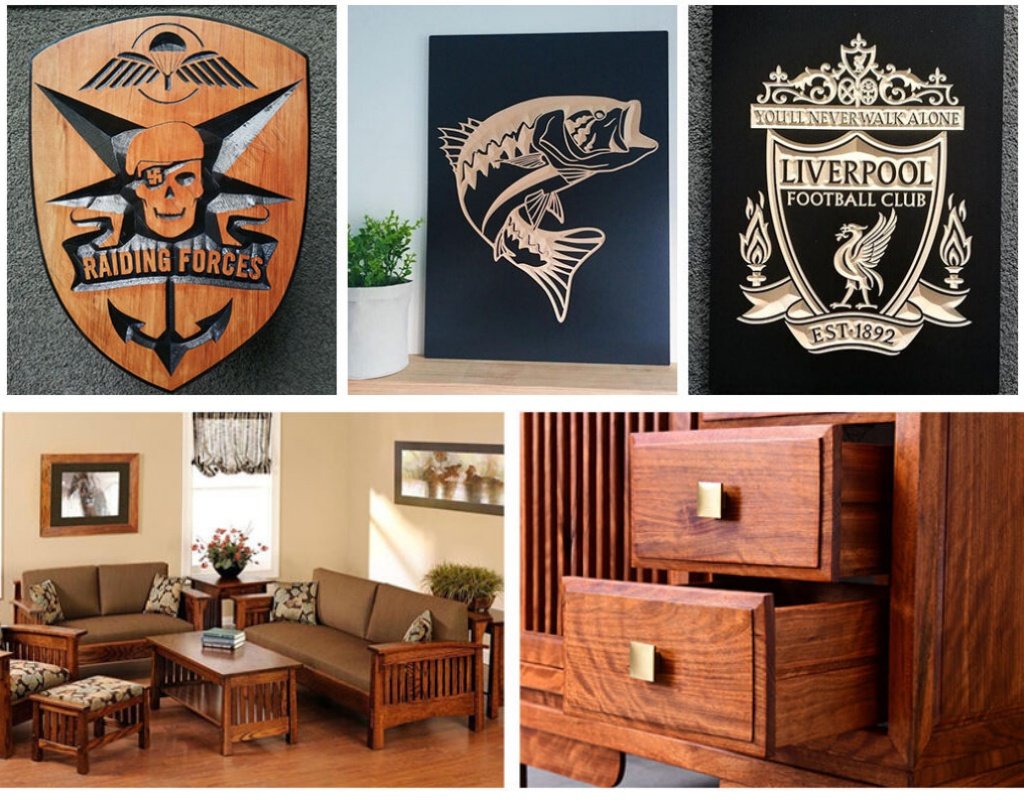
This is the most versatile category, designed to handle the standard material sizes used in many woodworking and sign-making industries. They offer a significant step up in rigidity, power, and speed.
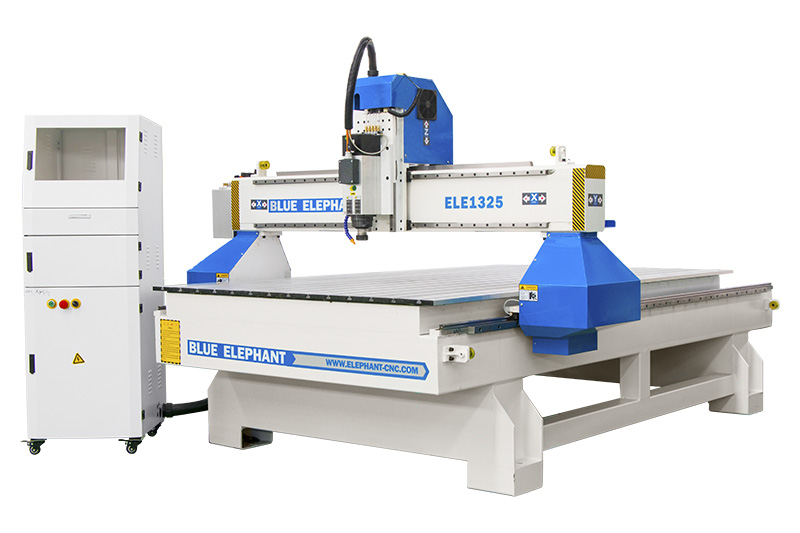
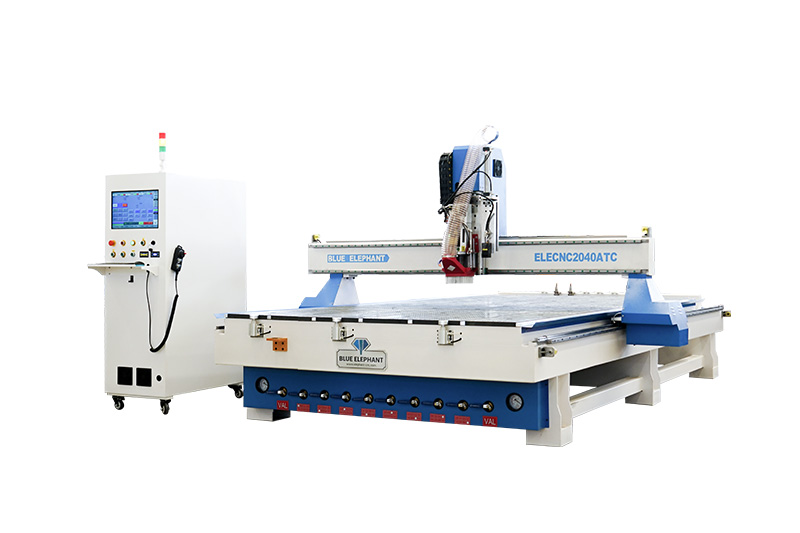
Typical Work Area: The quintessential model in this class is the 4′ x 8′ (1220x2440mm) machine, built to process a standard sheet of plywood or MDF. It also includes 4′ x 4′ and 5′ x 10′ models.
Primary User Group: Small to medium-sized businesses, including sign shops, custom cabinet and furniture makers, architectural model makers, and specialized metal fabricators (working with aluminum).
Common Applications: Cutting full cabinet parts from a sheet, producing large 3D signs, machining complex furniture components, and nesting multiple parts from a single panel. These machines often feature more powerful spindles (3kW and up) and options like vacuum tables for efficient hold-down.
Mid-Size & “Small Business” Router applications
Large-Format & Industrial Routers
When your production needs exceed standard panel sizes or require extreme speed and precision, you enter the realm of large-format industrial routers. These are heavy-duty, high-investment machines built for continuous operation.
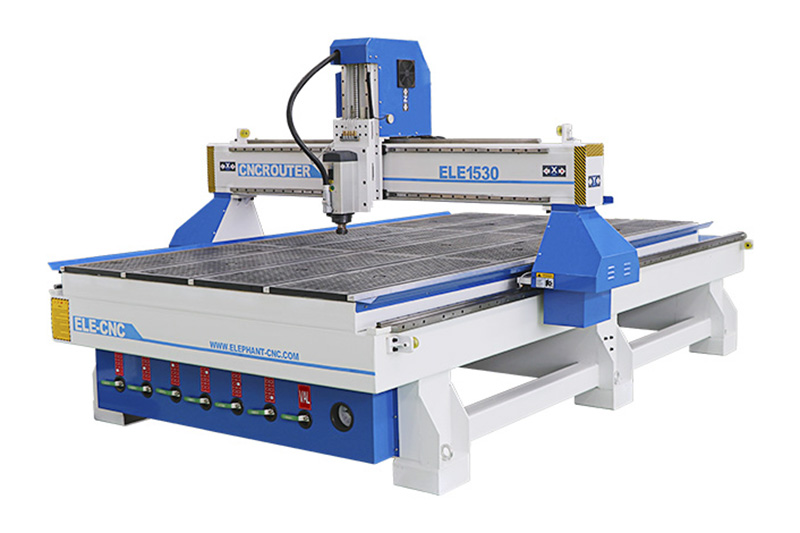
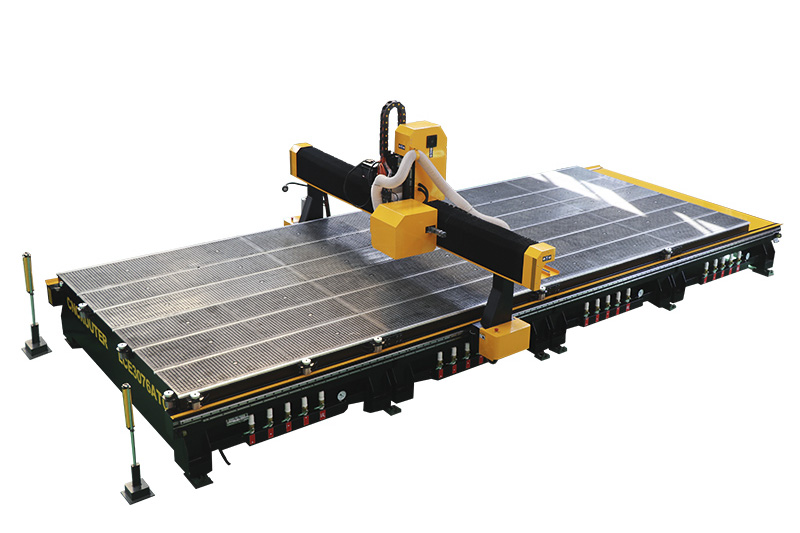
Typical Work Area: Starts at 5′ x 10′ and goes up to 6′ x 12′, 8′ x 20′, or even larger.
Primary User Group: Large-scale manufacturing plants, aerospace and automotive composites suppliers, and high-volume furniture producers.
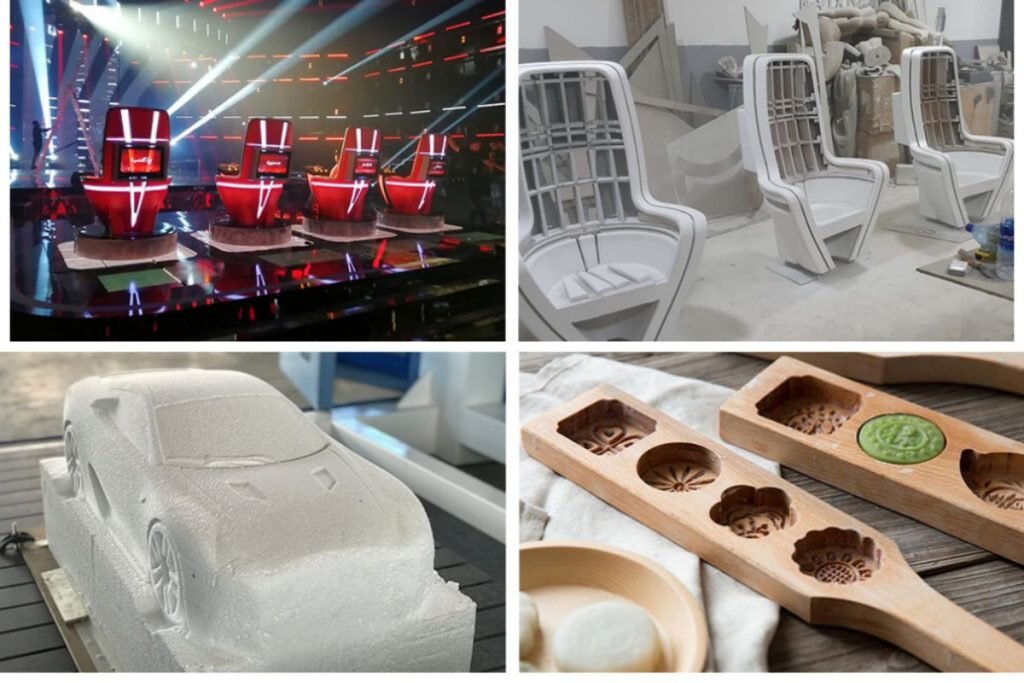
Common Applications: Mass production nesting, large mold making, high-volume furniture production, complex 5-axis work, large-format panel processing; and high-speed production with automated tool changers (ATCs) that can run for hours without operator intervention.
Large-Format & Industrial Router applications
2. Analyzing Your Core Manufacturing Requirements
Your projects are the ultimate dictator of the machine you need. A deep and honest analysis of what you will be producing—is the first and most important step.
Workpiece Dimensions Dictate Size
The basic question is: What is the largest single piece you need to cut? The answer is your minimum machine size.
For Sheet Goods: If you cut 4′ x 8′ sheets, a 4′ x 8′ CNC router machine is your baseline. However, a 5′ x 10′ machine offers significant advantages.
A 5’ × 10’ router allows: oversize materials, trimming edges, better clamping margins, more flexible fixturing and more efficient nesting layouts.
For 3D Carving: If you specialize in 3D sculptures or molds, the Z-axis (depth) becomes critically important. Ensure the machine has enough Z-travel to accommodate both the thickness of your material and the full length of the tools you’ll need to reach the deepest parts of your design.
Material Type and Thickness Drive Spindle Power
The size of the machine defines its work envelope, but the spindle defines its capability. A large-format machine with a weak spindle is useless for heavy work.
Softwoods, Plastics, & Foam: A 2.2kW (3HP) spindle may suffice.
Hardwoods, Plywood, & MDF: For efficient cutting and good finish, 3kW (4HP) to 5.5kW (7.5HP) is recommended.
Aluminum & Non-Ferrous Metals: This requires high rigidity and power. A minimum of 4.5kW (6HP) is advisable, and often much higher for aggressive machining. The machine’s frame must be robust (steel or heavy-duty aluminum) to dampen vibrations.
3. Production Volume and Efficiency Considerations
The size of your CNC router is directly linked to your production throughput. An undersized machine creates bottlenecks, while a correctly sized one streamlines your entire workflow.
Matching Machine Size to Production Volume
Your order volume dictates the most efficient machine size.
Low Volume & Prototyping: For custom one-offs or low-volume work, a desktop or 4’x4′ machine is often sufficient. Its smaller size aligns with slower-paced production, where frequent tool changes and multiple setups are acceptable.
Medium to High Volume: If you regularly process full 4’x8′ sheets, a 4’x8′ machine is the minimum. For true high volume, a 5’x10′ model is more efficient, allowing you to nest more parts per sheet and handle oversized materials without manual pre-cutting.
4’x4′ VS 4’x8′ VS 5’x10′
How Size Unlocks Key Efficiency Features
Larger machines are the platform for advanced features that dramatically boost output. Choosing a sufficient size opens the door to these upgrades.
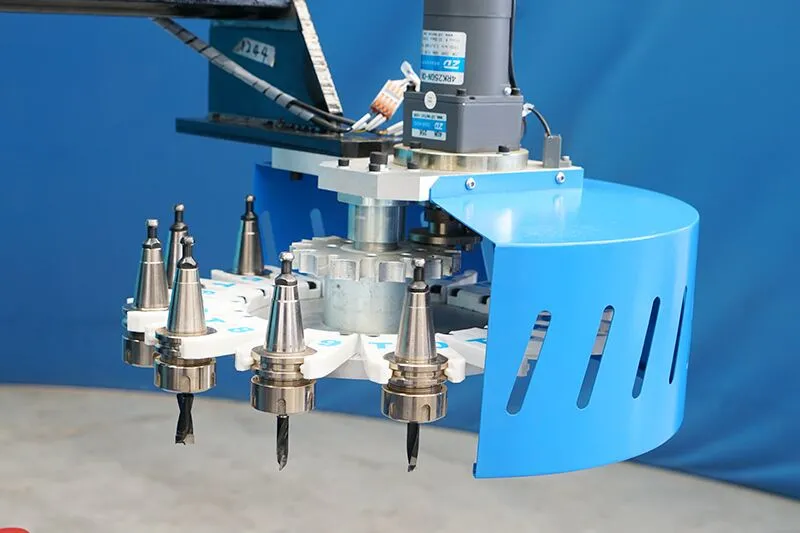
The Space for Automation: Features like an Automatic Tool Changer (ATC) are almost exclusively available on industrial-sized routers (e.g., 4’x8′ and larger). An ATC is impractical on a small machine because the limited work area cannot hold a complex part long enough to utilize multiple tools efficiently.
Automatic Tool Changer (ATC)
Optimizing Workflow: A larger table isn’t just for bigger parts. It provides crucial space for efficient hold-down with a vacuum system, and allows for loading a new sheet while part of the table is still in use, minimizing machine idle time.
4. Evaluating Your Factory Space and Infrastructure
A common mistake is to measure only the machine’s footprint on a brochure. The “real-world” space requirement is almost always 1.5 to 2 times larger than the machine’s base dimensions, and it must accommodate critical operational needs.
Calculating the True Footprint
You must account for more than just the machine’s frame.
Machine Frame & Gantry Overhang: The physical structure of the machine extends beyond the cutting bed.
Machine drame & gantry overhang
Gantry Travel and Safety Perimeter: The gantry needs space to move. More importantly, mid-size and industrial routers require a dedicated safety zone with physical fencing or light curtains, which significantly increases the total area the machine occupies.
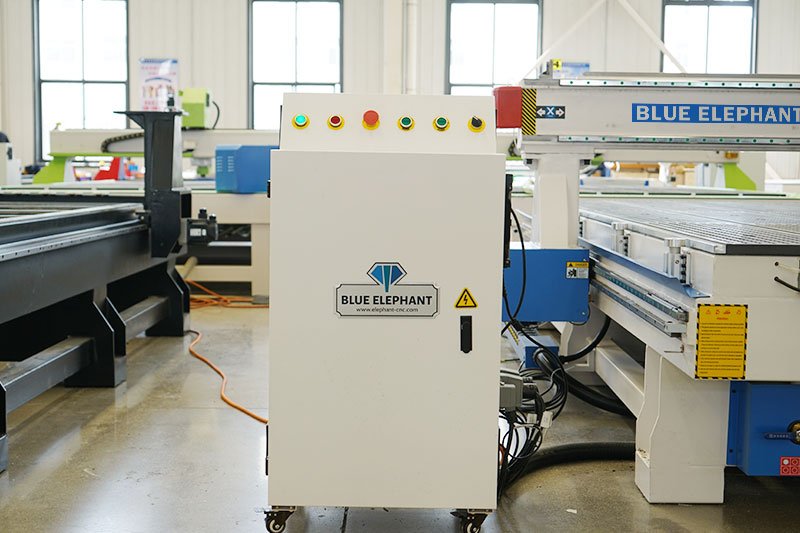
Control Cabinet: This is often a separate, free-standing unit that needs to be located nearby.
Control cabinet
Operator Access: You need clear, safe walkways on at least three sides of the machine for loading, monitoring, and maintenance.
Ancillary Equipment and Workflow
The CNC router is the centerpiece of a larger system. You must allocate space for:
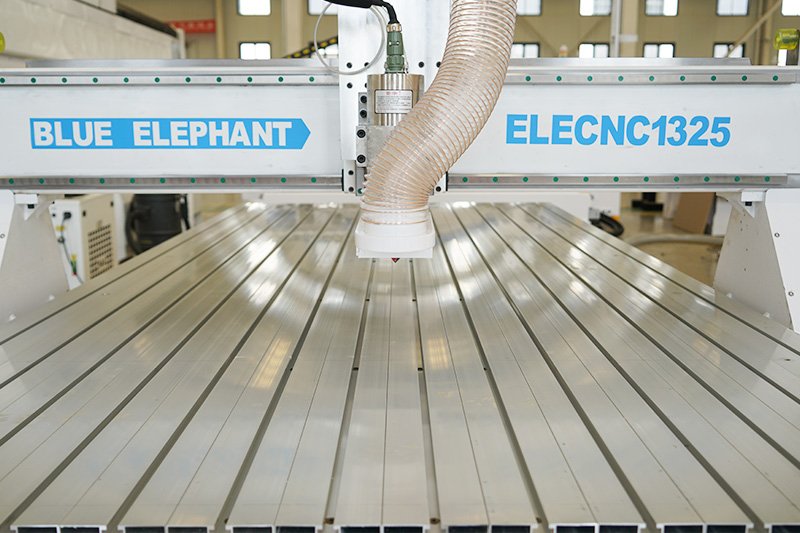
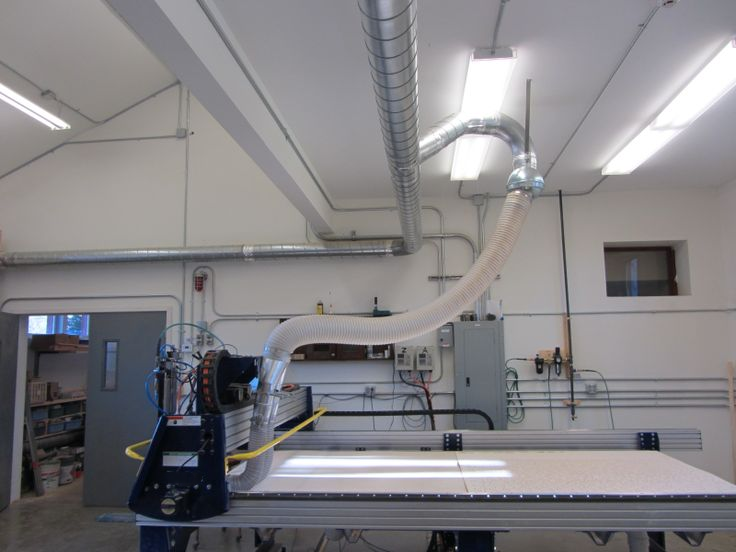
Dust Collection System: A high-CFM dust collector is non-negotiable for safety and machine health. This unit, along with its ducting, can be substantial. Even desktop CNC requires a dedicated shop vacuum.
Dust collection system
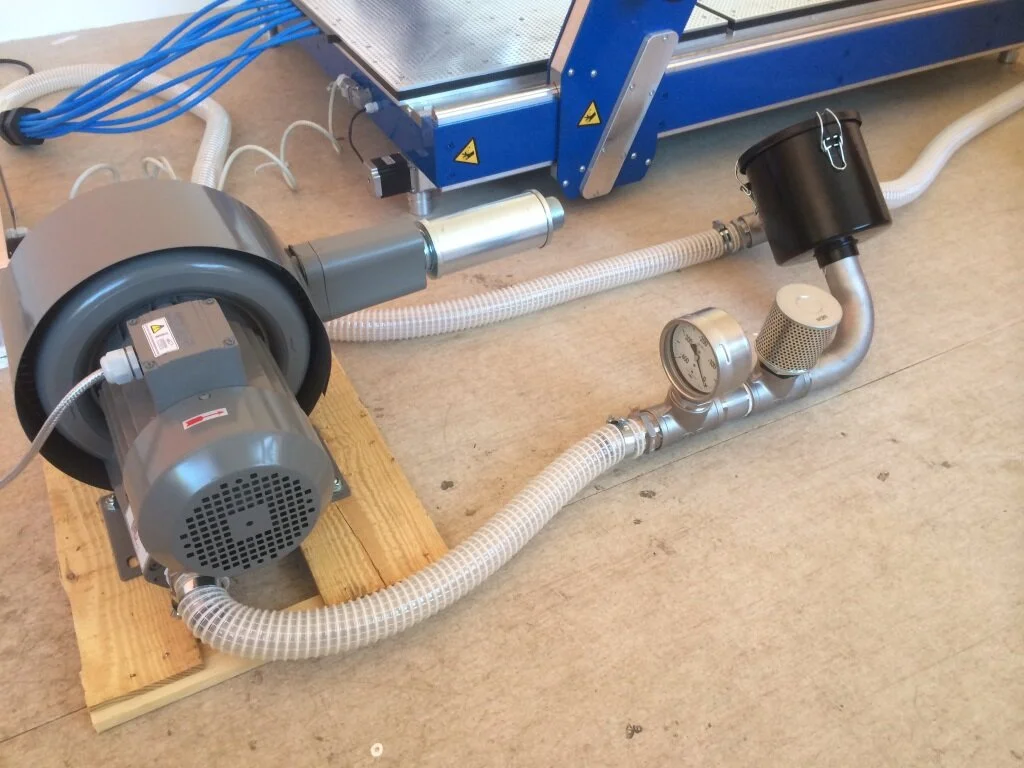
Vacuum Pump: If you use a vacuum table for hold-down, the pump (which can be quite large and noisy) needs a dedicated spot, often with good ventilation.
Vacuum pump
Material Handling Area: You need space for staging full sheets of raw material and a separate area for offloading finished parts.
5. Balancing Budget with Return on Investment (ROI)
Your budget isn’t just about the initial price tag; it’s about how the size of your investment today will impact your efficiency and profitability tomorrow.
Choosing a machine that is too small to save money upfront can be the most expensive decision in the long run, while overspending on an oversized machine can strain your finances without a clear return. Let’s break down how size directly influences both your costs and your potential for growth.
The True Cost of Ownership: It’s a Function of Size
The purchase price is just the entry fee. The total cost of ownership scales with the machine’s size, and understanding this is key to making a smart decision.
Upfront Cost vs. Capability: A 4’x8′ machine has a higher initial cost than a 4’x4′ machine, but it unlocks the ability to process standard sheet goods in a single setup, saving immense labor time. The question is whether the productivity gain justifies the larger investment.
Operating Expenses: Larger machines require more powerful spindles, heavier-duty vacuum pumps, and industrial-grade dust collectors, all of which consume more electricity and have higher maintenance costs.
Installation & Infrastructure: A benchtop router plugs into a standard outlet. A 5’x10′ industrial router may require a costly three-phase power installation and a reinforced concrete floor, which are substantial hidden costs directly tied to the machine’s size and weight.
The Strategic Advantage of Sizing Up
A larger machine can offer a better ROI through greater efficiency and capacity.
Labor and Material Efficiency: This is the core of the ROI calculation for a larger machine. A 5’x10′ machine can nest parts from a 5’x10′ sheet with virtually no waste, whereas a 4’x8′ machine would force you to waste a 2′ strip. Furthermore, it eliminates the time and potential errors of manually pre-cutting full sheets.
Growth Capacity and Versatility: Buying a machine that meets your future projected needs for 3-5 years prevents a costly and disruptive upgrade down the line. A larger machine can handle a wider variety of project sizes, making your business more agile. It’s often wiser to “grow into” a machine than to “outgrow” one. The modest upfront premium for a more capable size is often cheaper than buying a second machine too soon.
6. Conclusion: Making Your Final Decision
Selecting the right CNC router size is a strategic decision that balances your current project needs, available space, budget, and future aspirations. There is no one-size-fits-all answer, but a methodical approach will lead you to the best solution.
Your Action Plan:
Document Your Largest Project: Physically measure the largest material or part you will need to produce.
Audit Your Space: Create a scaled floor plan of your shop, marking doors, columns, and electrical panels. Map out the machine’s true footprint, including all ancillary equipment and material flow.
Define Your Budget Holistically: Allocate funds not just for the machine, but for tooling, dust collection, hold-down, software, and potential installation costs.
Plan for Tomorrow: Ask yourself where you want your business or hobby to be in five years. Choose a machine that can bridge the gap between your current and future state.
By carefully weighing these factors, you will move beyond guesswork and make an informed, confident investment in a CNC router that will become a reliable and profitable cornerstone of your workshop for years to come.
Ready to find that perfect match?
Blue Elephant CNC offers professional router selection services, helping you find the perfect match for your specific needs and budget.