
Hey there, furniture makers and handicraft enthusiasts!
If you’ve ever dreamed of crafting that perfect custom table, carving intricate details into a cabinet door, or bringing your creative wooden designs to life—your CNC router is the key.It’s an amazing tool for mastering wood carving, cutting, drilling, and milling.
Whether you’re a pro cabinetmaker or a hobbyist,this intelligent, precise tool is your digital carpenter’s assistant—ready to execute your ideas with accuracy and consistency. Getting started is easier than you think, especially with a quality machine and a reliable team backing you up.
This guide will help you master your CNC router, step by step, inspired by American ingenuity and the satisfaction of a job well done.
Step 1: Laying the Foundation – Software & Design
Before your CNC router makes its first cut, it needs clear digital instructions. That starts with design and toolpath creation, which happens in two major software stages: CAD and CAM.
1. CAD – Crafting the Digital Blueprint
CAD (Computer-Aided Design) is where every project begins. It’s your digital sketchpad, where creativity meets precision. Here you’ll create your design—whether it’s a guitar body, an ornate cabinet panel, or a modern coffee table leg.
Popular software choices include:
- Fusion 360 – Ideal for both 2D and 3D designs with integrated CAM features.

- SketchUp – User-friendly and great for furniture and architectural designs.

- Vectric Aspire – Tailored for artistic carving, signs, and woodworking.

Your CAD model becomes the blueprint your CNC will follow later.
2. CAM – Translating Design into Action
CAM (Computer-Aided Manufacturing) is the translator between your design and your machine. It converts your CAD drawing into G-code, a detailed set of instructions that tells your CNC router exactly how, where, and when to move.
In this stage, you define:
- Toolpaths (the cutting routes)
- Feed rates and spindle speeds
- Cutting depths and stepovers
3. The Blue Elephant Advantage in Software Setup
New to CAD/CAM? No worries. Blue Elephant’s pre-sales team will walk you through every step—from software installation to your first project.
You’ll get guidance on:
- Selecting the best design programs for your workflow.
- Understanding G-code basics.
- Running test files safely.
Our mission is to help you create confidently from day one.
Step 2: Gearing Up – Bits, Materials & Machine Preparation
With your design ready, it’s time to prepare your CNC router and materials. This step determines how clean, precise, and successful your results will be.
1. Choosing the Right Router Bits
Bits (end mills) are the hands of your CNC router. Each has a specific purpose:
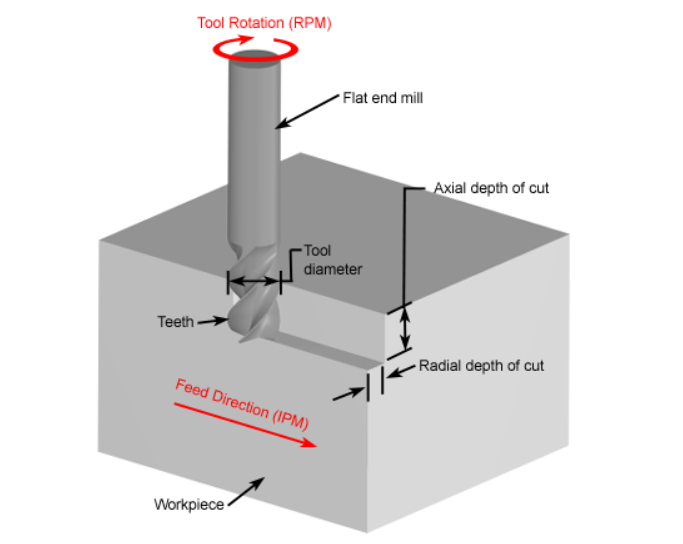
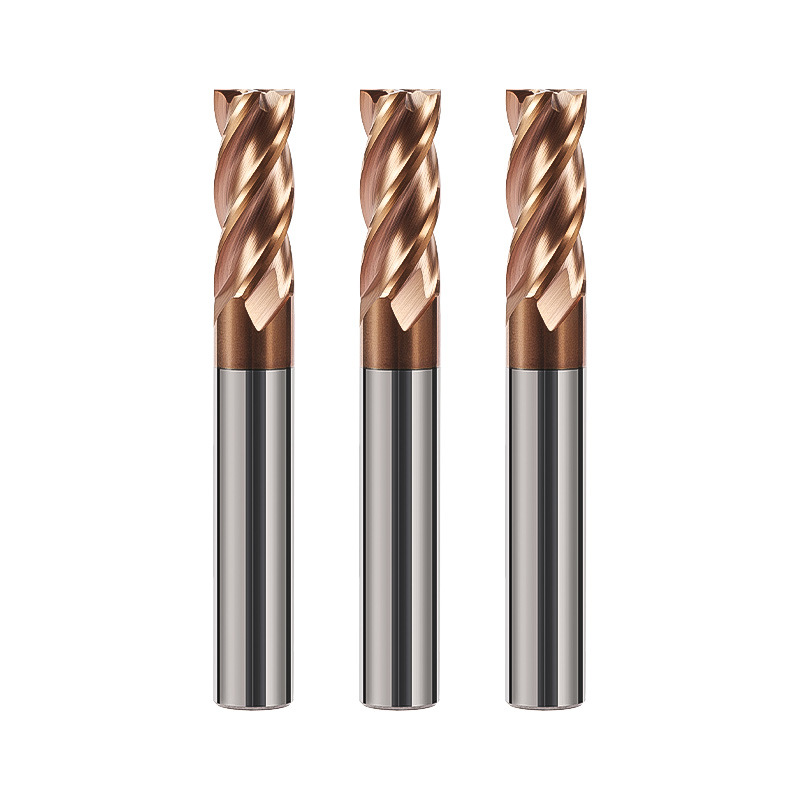
- Flat End Mills: Great for surfacing and pocketing flat areas.
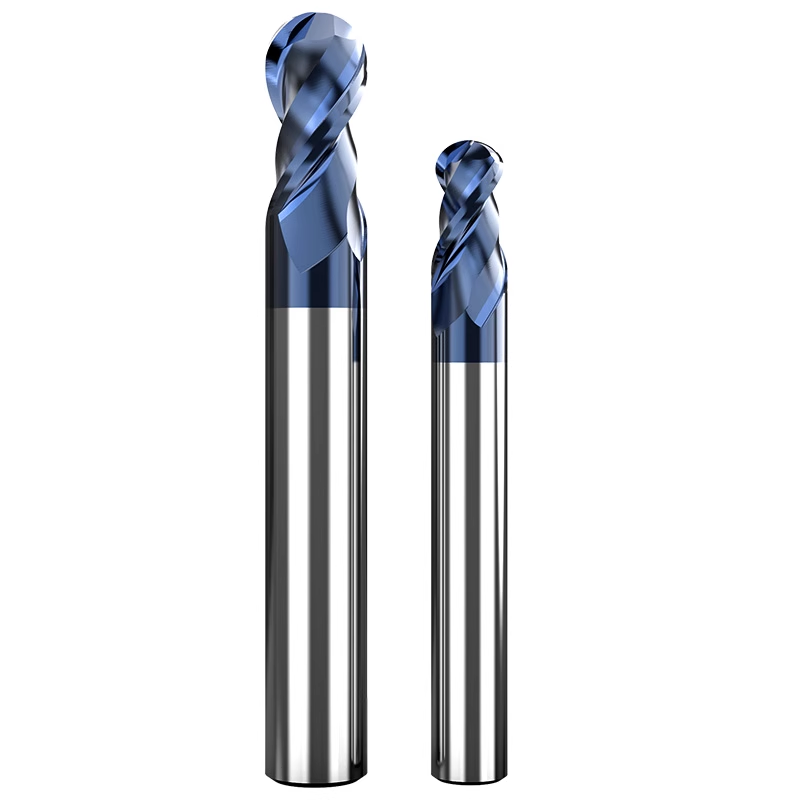
- Ball Nose End Mills: Used for smooth 3D curves, sculpted surfaces, and detailed carvings.
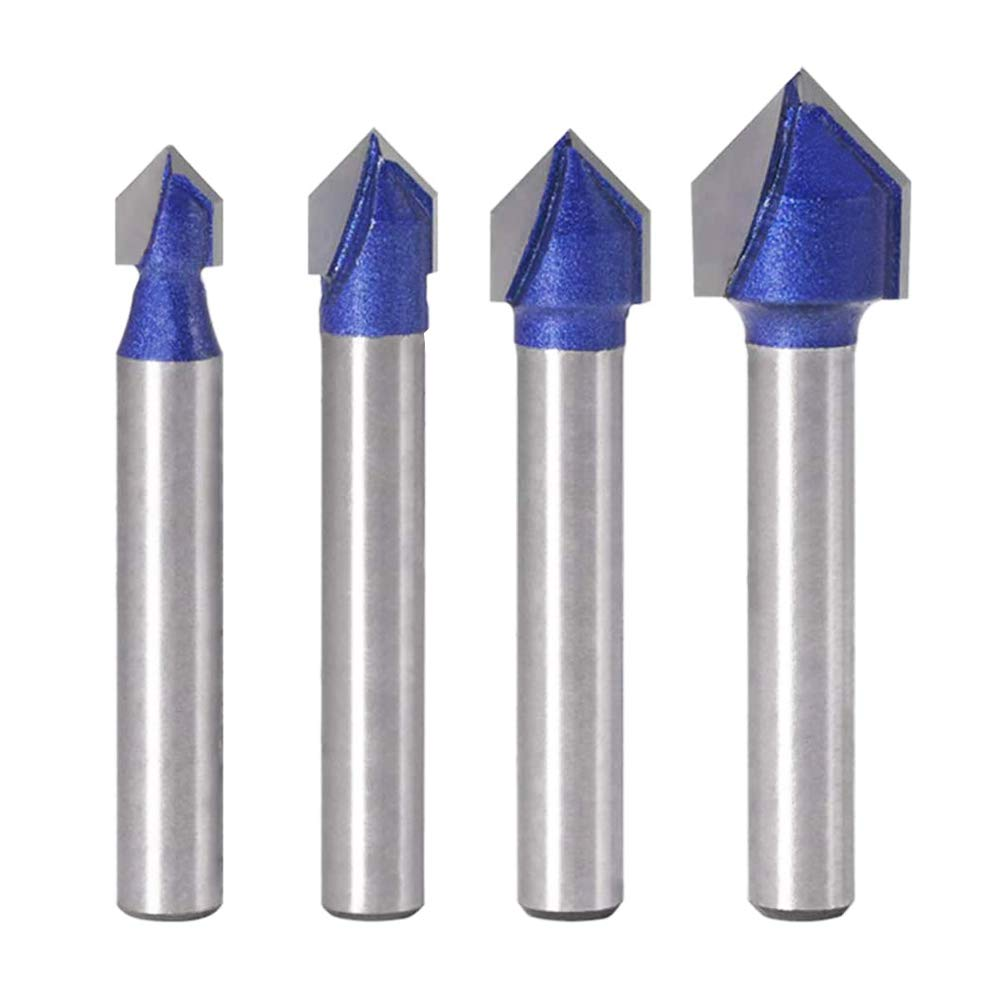
- V-Bits: Perfect for engraving and crisp corner details.
- Compression Bits: Ideal for plywood, reducing tear-out on both sides.
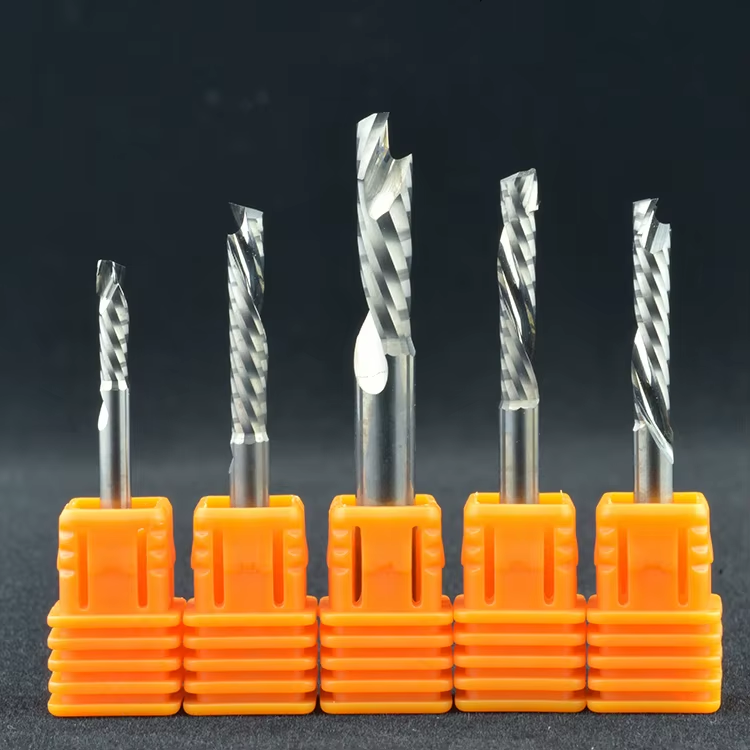
Always keep your bits sharp and clean. Dull or worn bits cause chatter, burning, or rough edges.
2. Securing Your Material – The Foundation of Precision
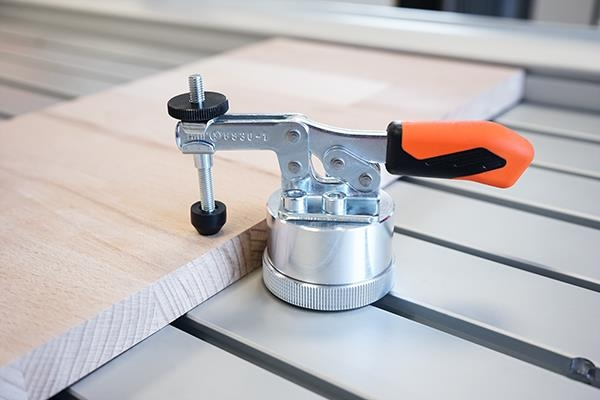
No matter how skilled your design, if the workpiece shifts during cutting, your results suffer. Choose a hold-down method that fits your project:
- Clamps: The simplest method for small projects.
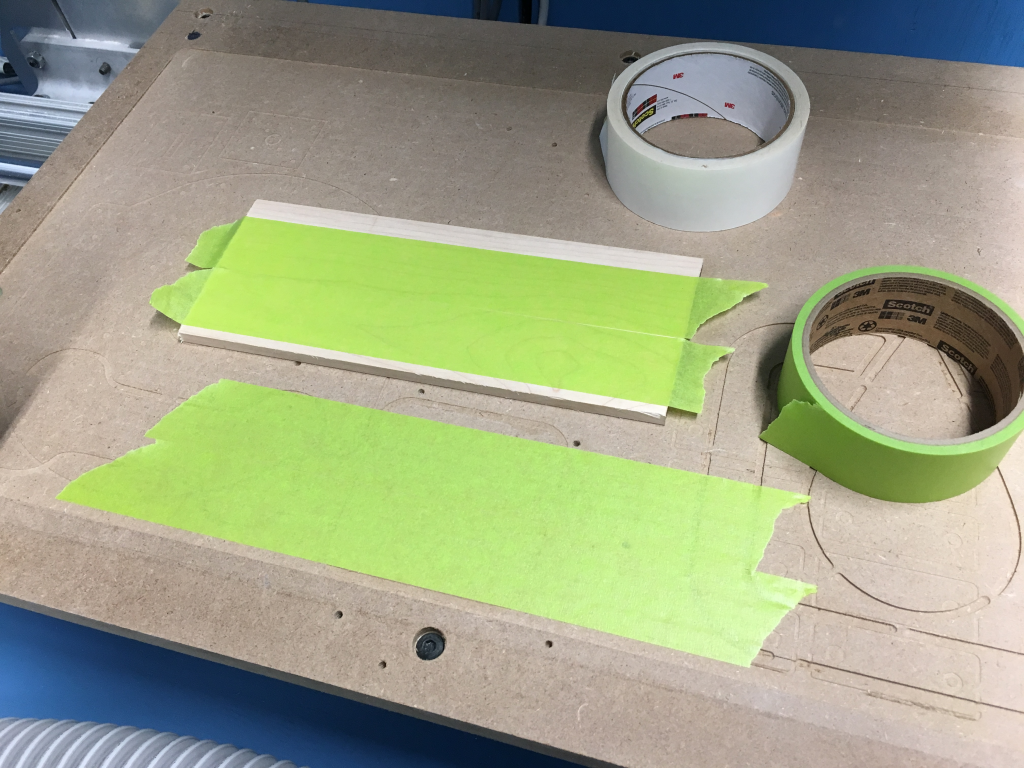
- Double-Sided Tape: Great for thin panels and lightweight work.
- Vacuum Tables: Found on many Blue Elephant industrial routers, these systems hold materials firmly with suction, eliminating the need for mechanical clamps.
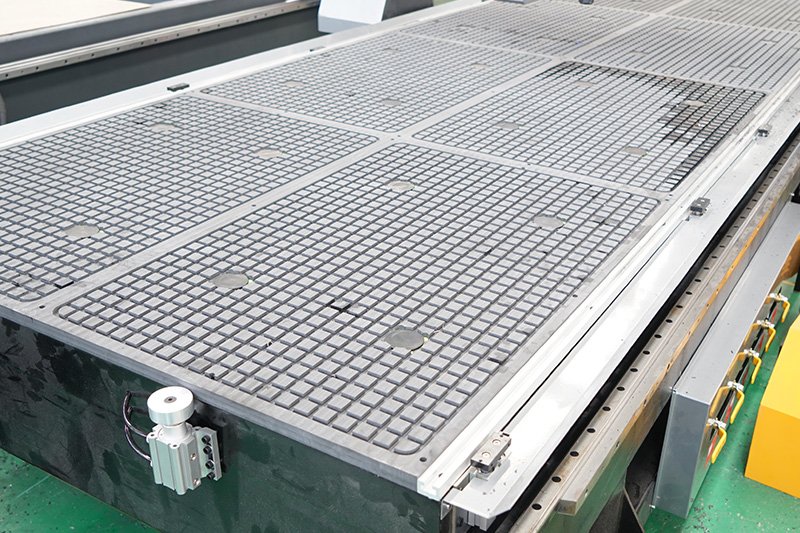
A rigid setup ensures accurate cuts and prevents tool damage.
3. Setting Your Z-Zero Correctly
The Z-zero defines where your cutting depth begins. Most routers use a touch probe—a small metal puck that helps automatically detect the surface height.
Always double-check your zero before cutting to avoid cutting too deep or too shallow.
Steps for setting the zero point:
- How To Set Zero Point In FangLing 2300A?
- How To Set The Workpiece Zero Point In NK105 G2?
- How To Set The Workpiece Zero Point In NK260 Control System?
- How To Set The Workpiece Zero Point In Syntec 6MB Control System?
- How To Set Workpiece Zero Point In Mach3 Control System?
- How To Set Workpiece Zero Point In DSP A15 Handle Control System?
Step 3: Safety, Calibration & Machine Check
Even experienced machinists follow a pre-operation checklist. CNC routers are powerful, fast, and precise—but they demand respect and attention.
1. Essential Safety Gear
Before you begin:
- Wear safety glasses to protect from flying debris.
- Use hearing protection during long operations.
- Avoid loose clothing and jewelry.

2. Calibration for Consistency
Calibrate your router periodically to maintain accuracy. Check:
- Spindle runout (to ensure the tool spins true)
- Axis alignment (especially X-Y squareness)
- Backlash in the ball screws or belts

Calibration ensures your CNC delivers repeatable, professional-quality results every time.
3. Maintenance Before Operation
Keep your CNC running smoothly by:
- Cleaning rails and lead screws.
- Checking lubrication points.
- Inspecting power cables and air lines.
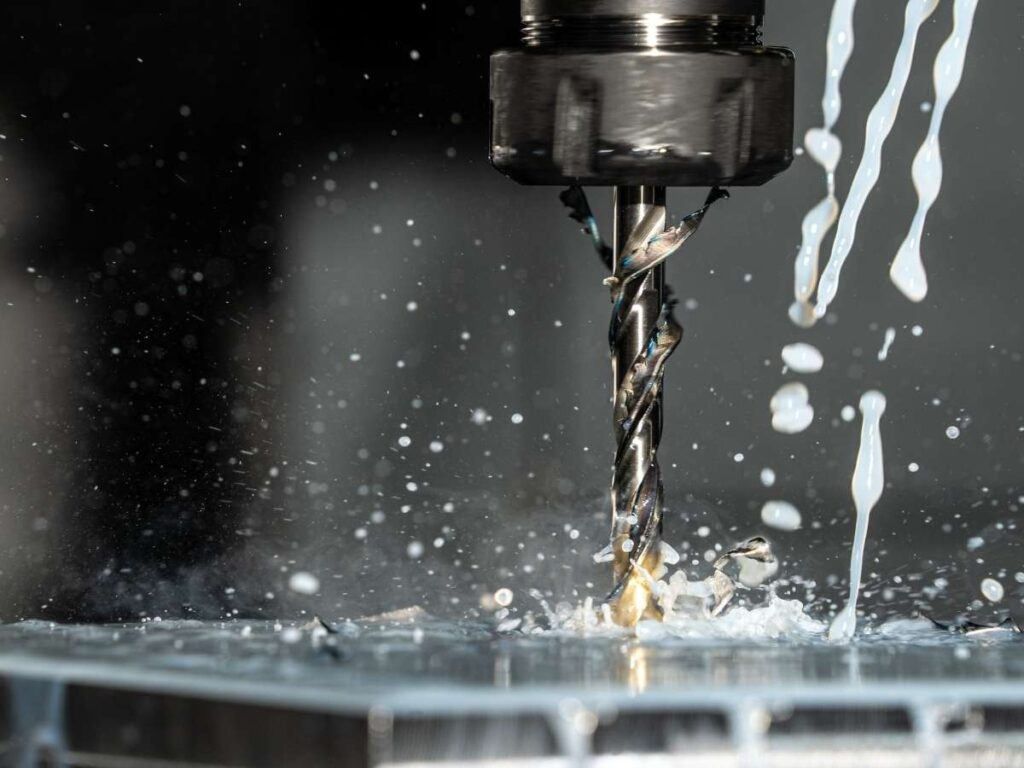
Preventative care saves downtime and extends machine life.
Step 4: The Big Moment – Running Your CNC Router
It’s time for your machine to come to life. This is where all your preparation pays off.
1. Loading and Verifying Your G-Code
Transfer your G-code file to the CNC controller (via USB or network). Review it on-screen to confirm:
- Toolpath direction
- Feed rates
- Tool numbers and spindle speeds
A quick visual verification can prevent costly errors.
2. Run an Air Cut (Dry Run)
For new or complex designs, do a dry run—run the job with the spindle off and the tool slightly above the material. This allows you to confirm:
- Toolpaths match your design.
- There are no collisions or over-travel movements.
3. Cutting with Confidence
Once verified:
- Start the spindle and set it to the proper RPM.
- Hit “Start.”
- Stay close to the machine.
Listen for unusual sounds (a change in pitch often signals a problem). Always keep your hand near the emergency stop button.
Step 5: The Finishing Touches – Polishing Your Masterpiece
The cutting may be done, but finishing transforms your project from “machine-cut” to handcrafted perfection.
1. Deburring and Sanding
Use sandpaper or a small file to remove burrs. For 3D carvings, a soft rotary brush or sponge sander can preserve fine details while smoothing the surface.

2. Cleaning the Machine
After every job:
- Vacuum wood chips and dust.
- Wipe down the rails and bed.
- Empty the dust collector.
Clean machines cut better and last longer.
3. Bit and Tool Care
Remove resin buildup with a bit cleaner. Store bits in a protective case to prevent chipping. Replace them regularly for optimal results.
Step 6: Advantages of Blue Elephant CNC Router
When you invest in a CNC machine, you’re investing in your craftsmanship, efficiency, and creativity. Choosing the right partner is essential—and that’s where Blue Elephant stands out.
1. A Solid History of Innovation
With a reputation built on reliability and innovation, Blue Elephant provides high-performance CNC machines that enhance efficiency across industries. Over 15 years of expertise, 2,000+ machines in operation, and global partnerships reflect a commitment to quality and precision.
2. Certified Quality You Can Trust (Global Standards)
We build machines that are ready for the US and European markets.
- CE Certified: Our machines meet the tough safety, health, and environmental standards required for sale in the European market.
- ISO Certified: Our factory follows strict quality management standards, meaning every machine is built the right way, every time.
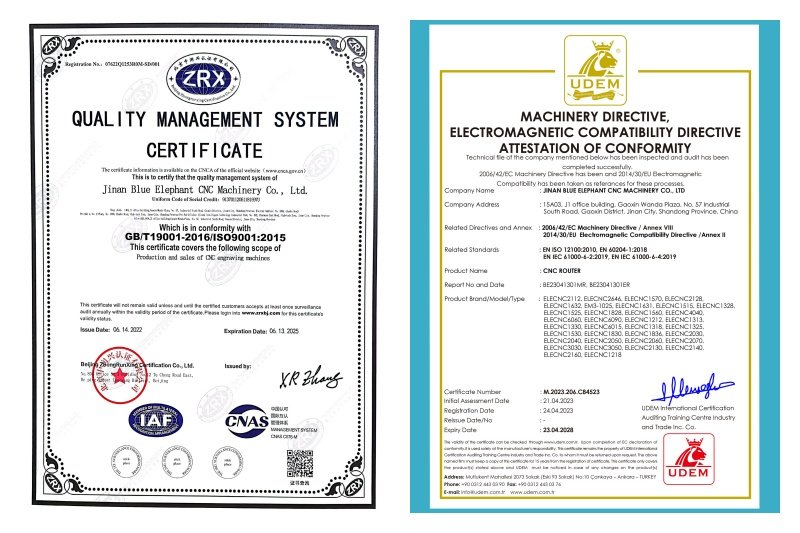
3. Built for Precision and Durability
Every Blue Elephant CNC router is engineered for:
- High accuracy, even on complex curves and large panels.
- Robust construction, using industrial-grade components.
- Ease of use, so even new operators can learn quickly.
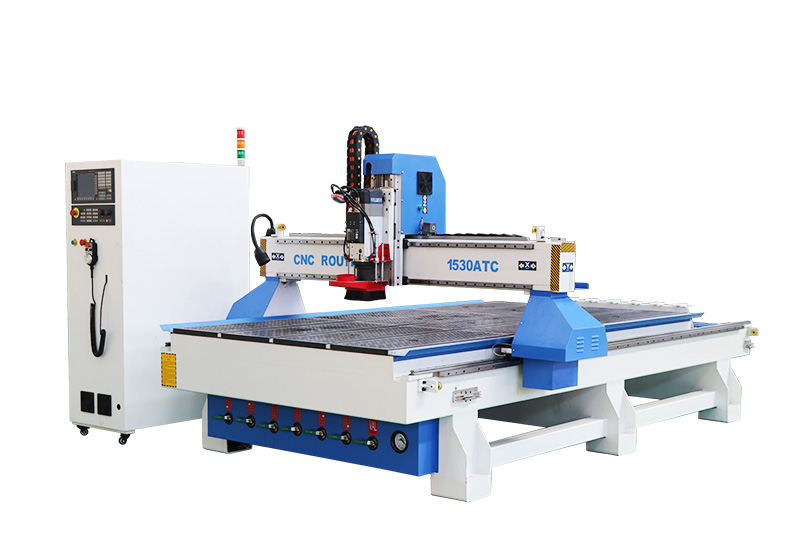
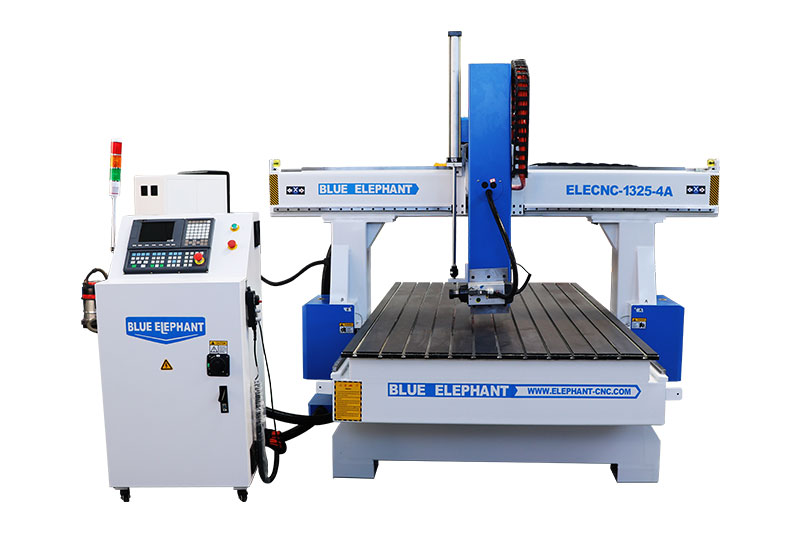
From light-duty woodworking to full-scale industrial furniture production, our machines deliver unmatched reliability.
4. Comprehensive Support & Training
We believe the machine is only half the story. The other half is the support behind it. That’s why Blue Elephant offers:
- Pre-sales guidance – Selecting the right model and software for your goals.
- After-sales service – Remote and in-person troubleshooting, spare parts, and upgrades.
- Professional training – Helping your team master CNC operation and maintenance.

Our commitment doesn’t end after the sale. We’re your long-term partner in growth.Whether you’re starting your first project or scaling a production line, Blue Elephant is here to support your journey.
Ready to Build Something Amazing?
Your ideas deserve precision. Your craftsmanship deserves reliability.
With Blue Elephant CNC, you get both—and a team that stands beside you every step of the way.
Order your Blue Elephant CNC machine today and experience the perfect blend of technology, creativity, and support.
Let’s roll up our sleeves and build something extraordinary—together.
Click below to learn more: